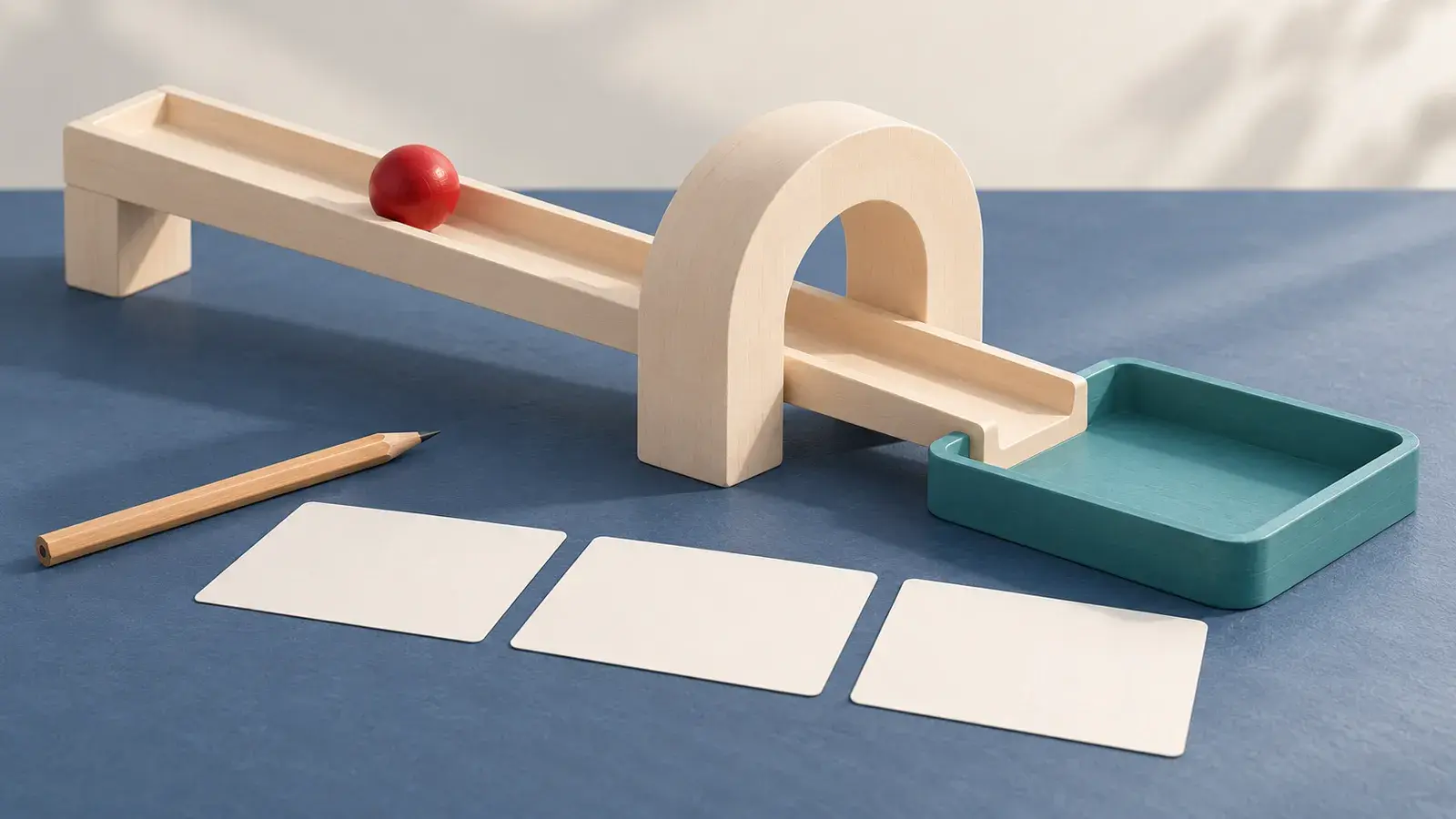
A video idea becomes difficult to judge when it contains the whole explanation at once: introduce the object, show how it works, follow a moving part and reveal the result. If a preview is confusing, you may not know which part of that request caused the confusion.
A more useful plan is a set of short shots with separate jobs. This guide uses a fictional tabletop marble run to show how to divide an explanation before trying a free AI video generator with no signup required. The method also works on paper before you open any tool.
The marble run, prompts and diagrams are original planning examples. They are not photographs of a real product or frames from a generated clip. No video generation was performed for this article.
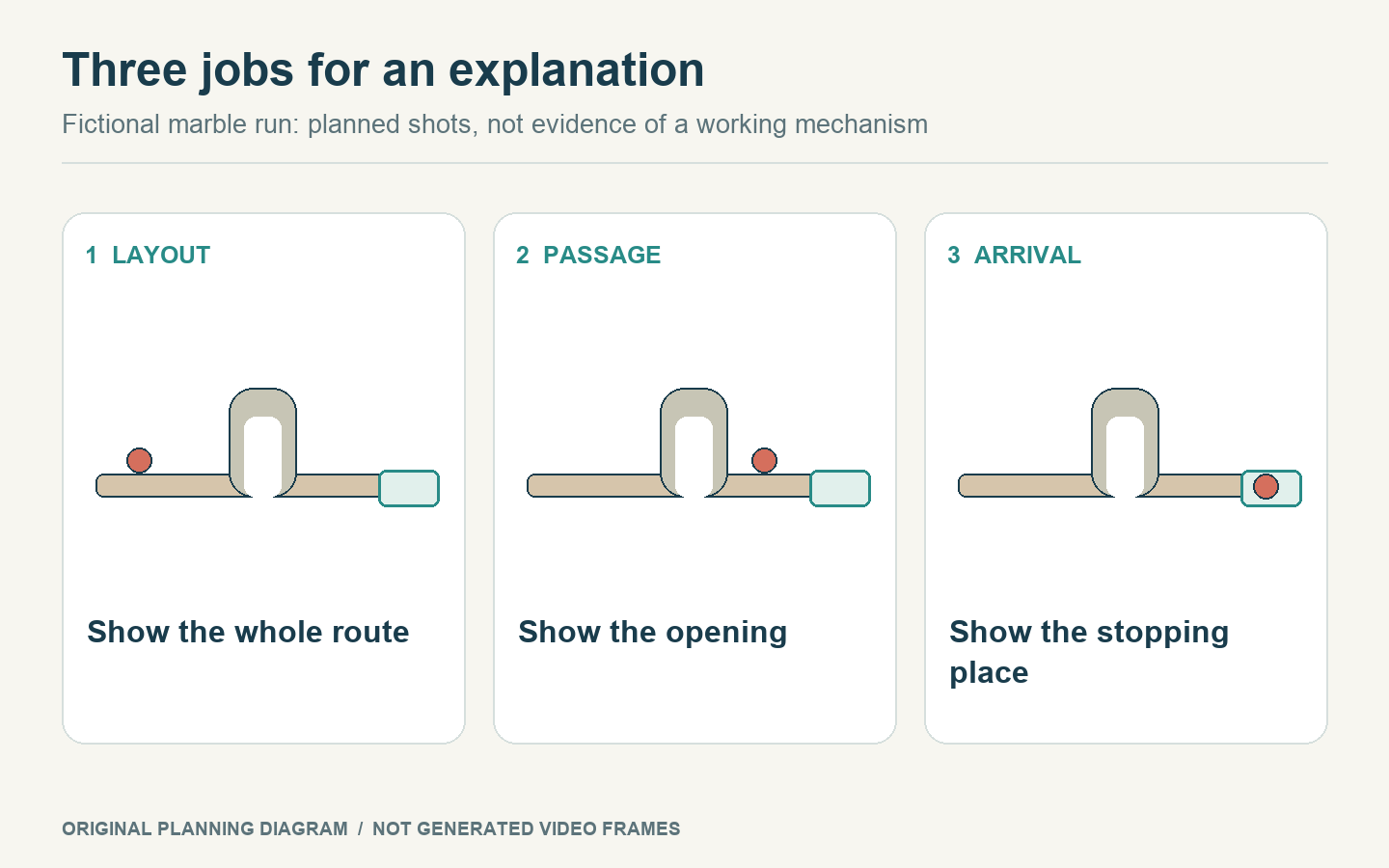
Give each shot one explanatory job. These drawings are planned states, not generated-video frames or a verified mechanism.
Begin with the explanation, not a prompt
Suppose your idea is: “Show how one red wooden bead travels along a small track, passes through an arch and comes to rest in a tray.” The audience needs to recognize three things:
Where the bead starts and where it can go.
Which opening it passes through.
Where the journey ends.
Those are three pieces of information, even if the whole movement could happen quickly. A single view might explain them, but do not assume that it will. First sketch the arrangement and ask what the viewer must see at each point.
For this fictional example, assign one job to each shot:
Shot | What the viewer should understand | Planned start | Planned finish |
|---|---|---|---|
Layout | The track leads toward an arch and a tray. | A wide view shows the arrangement. | The same arrangement remains clear. |
Passage | One bead passes through the opening. | The bead is just before the arch. | The bead is beyond the arch. |
Arrival | The bead reaches its stopping place. | The bead approaches the tray. | The bead rests inside the tray. |
The first shot does not need a moving bead. Its job is orientation. A later edit can hold a clear view for less time than the generated clip, if that serves the explanation. You are planning source material, not committing to three five-second shots played end to end without a cut.
Give every shot its own starting state
A prompt for the middle of a sequence still needs a complete scene. “Then it goes through” relies on context that may not be present in a separate generation request.
For the passage shot, a complete starting instruction might be:
One red wooden bead is immediately before a broad ivory arch on a teal tabletop track. It rolls through the opening and remains visible on the other side. The arch and track stay in place. A fixed side view shows the entire opening in one continuous shot.
For the arrival shot, change the starting state and the framing deliberately:
One red wooden bead approaches a shallow teal catch tray along the end of an ivory track. It rolls into the tray and comes to rest. Keep the tray, track and plain background unchanged. Fixed close view, one continuous shot.
These prompts serve different questions. The first asks whether the passage reads clearly. The second asks whether the ending is visible. They do not claim that a generated scene accurately simulates a working mechanism. For a real instructional demonstration, the actual device and its behavior would need to be shown or verified separately.
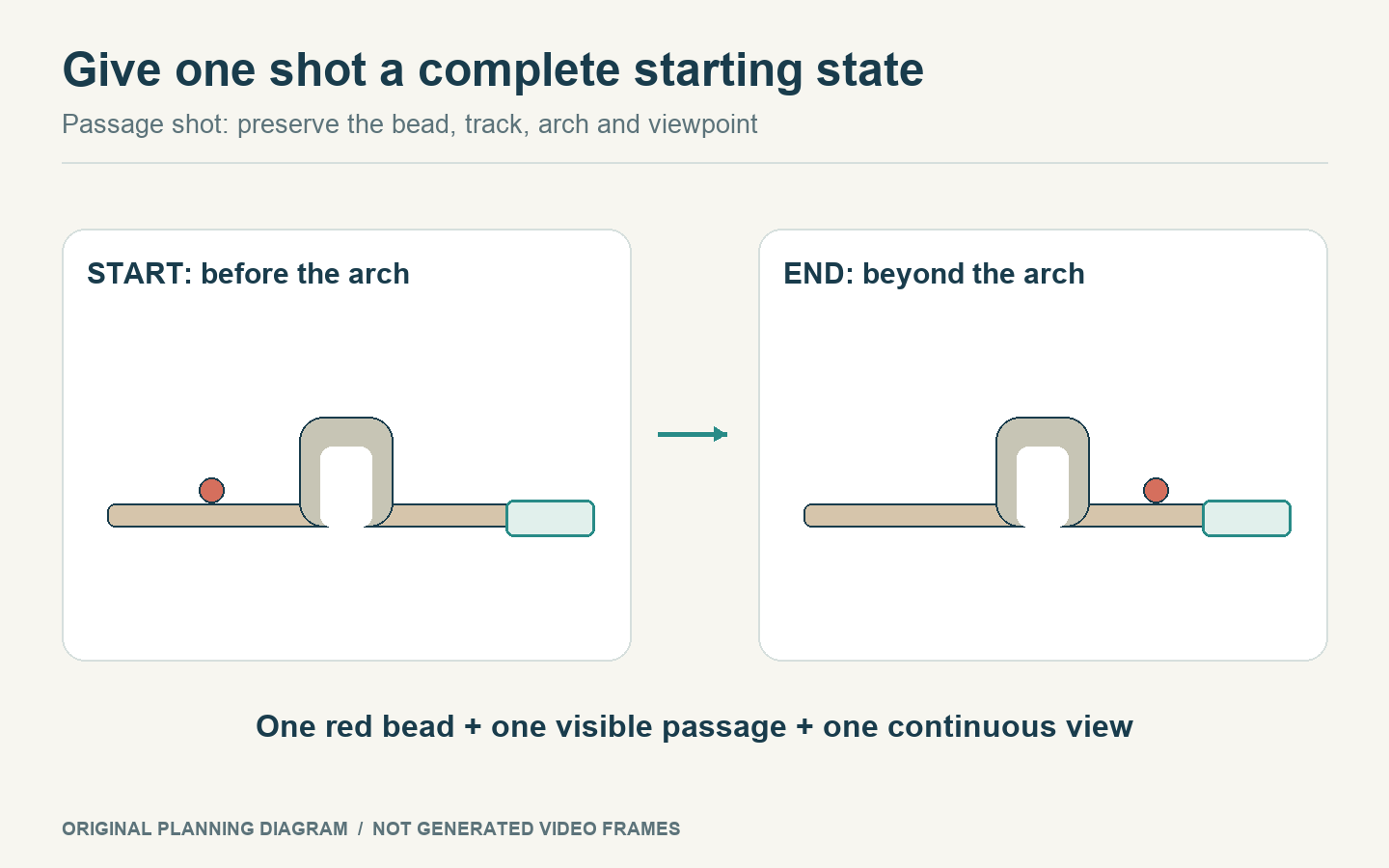
Specify complete endpoints for the individual passage shot, preserving the bead, track, arch and viewpoint.
Carry a few identifiers between shots
Separate attempts can produce clips that do not appear to belong together. Make a short continuity note before generation:
One red bead, with no additional moving objects.
An ivory track and arch.
A teal tray at the end.
The same plain tabletop setting.
Use the note to inspect each candidate rather than turning it into a paragraph of repeated adjectives. If the arrival shot introduces a second bead, the next viewer may think two objects traveled through the system. If the arch becomes a tunnel, the scene may imply a different route.
For an image-based route, prepare the start and end images for each individual shot. The current AI VideoWeb free form requires both images. A start image for the whole sequence and an end image for the whole sequence do not provide separate, explicit endpoints for every shot in between.
You can use text prompts while exploring the arrangement, then consider paired images when particular endpoints matter. That is an input choice for the shot, not a promise of perfect continuity across requests.
Check the explanation one shot at a time
Preview the layout shot and ask whether someone can point to the arch and the destination. Preview the passage shot and ask whether the bead's route is visible. Preview the arrival shot and ask whether the stopping place is unmistakable.
Record a concrete issue in the row it belongs to. “The bead disappears behind the arch and never reappears” is useful. “The video looks wrong” gives you no place to work.
Then look at the sequence as an explanation. Does the audience need all three shots? If the layout is already clear in the passage view, you may be able to omit the first one. If the final tray introduces a new idea, retain a clear arrival view rather than ending the sequence while the bead is still moving.
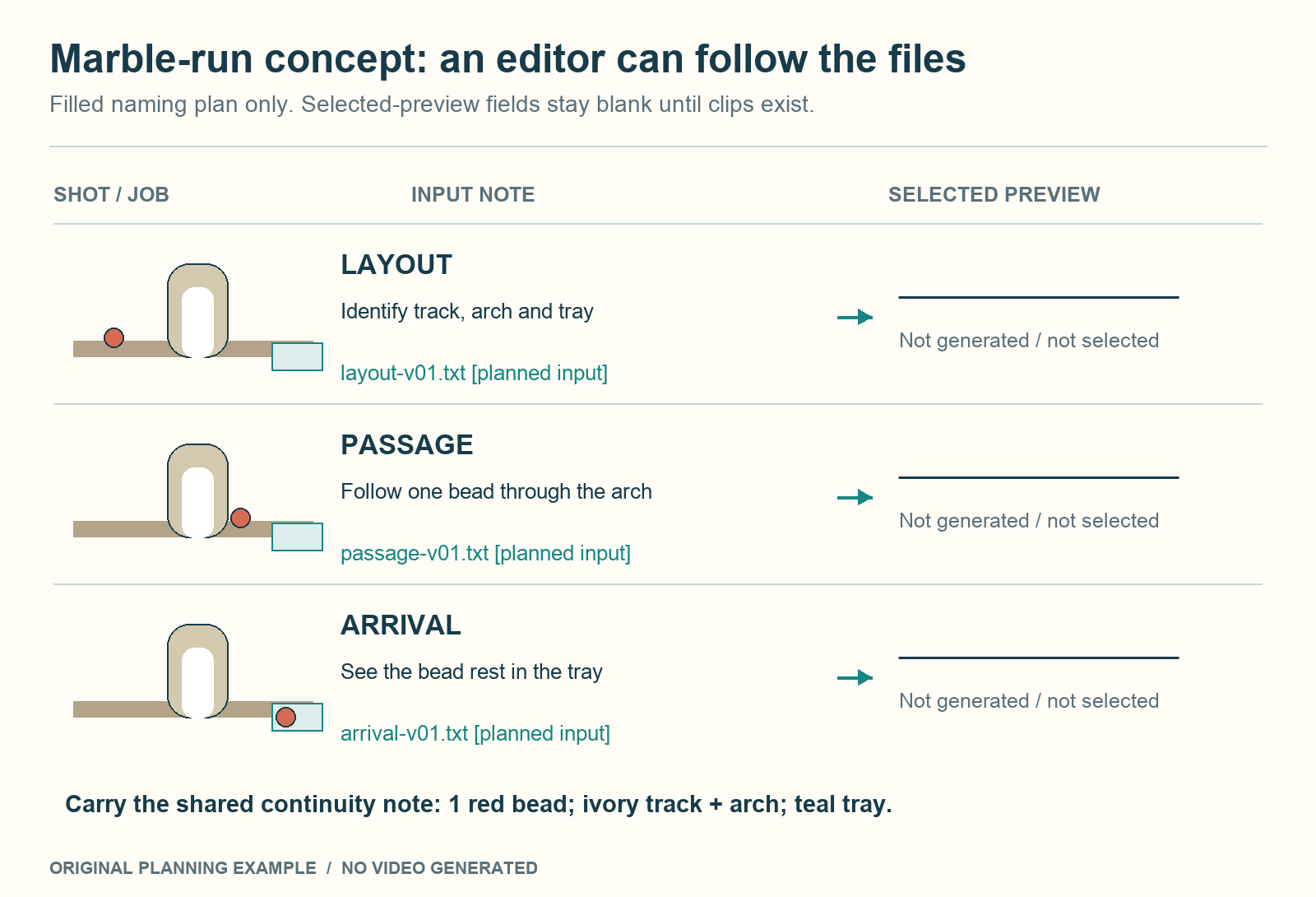
Keep each specific shot job with its planned input note and, after generation, its actual selected file. Blank preview fields do not represent existing clips.
Generate source clips, then make the editorial decisions
The AI VideoWeb free AI video generator can be used for the individual concept trials in this plan. On 22 October 2026, its general free page describes no signup, unlimited total generations and a form displaying five seconds, 480p and 0 credits. It supports text or ordered start-and-end images, with 16:9, 9:16 and 1:1 options. Verification and queue waiting can still apply.
That route supplies candidate short clips. Choosing trims, arranging cuts, adding captions or assembling a longer explanation are separate editing tasks. Save the useful files and their shot labels so the next person does not have to infer which clip was meant to explain which step.
If you use unlimited attempts, spend them on the shot with an unresolved job. You do not need to regenerate an already clear layout because an arrival view needs revision. Keeping the jobs separate makes that decision possible.
Finish with a small packet: the three shot briefs, the continuity note, any selected clips and a sentence explaining what still requires real demonstration. That packet gives an editor usable choices while keeping the original explanation intact.
Disclosure: This article is provided by the AI VideoWeb team at FLAQ TECH PTE. LTD.


Join the conversation
Discussion0
Join the conversation. Sign in to leave a response or reply to comments.