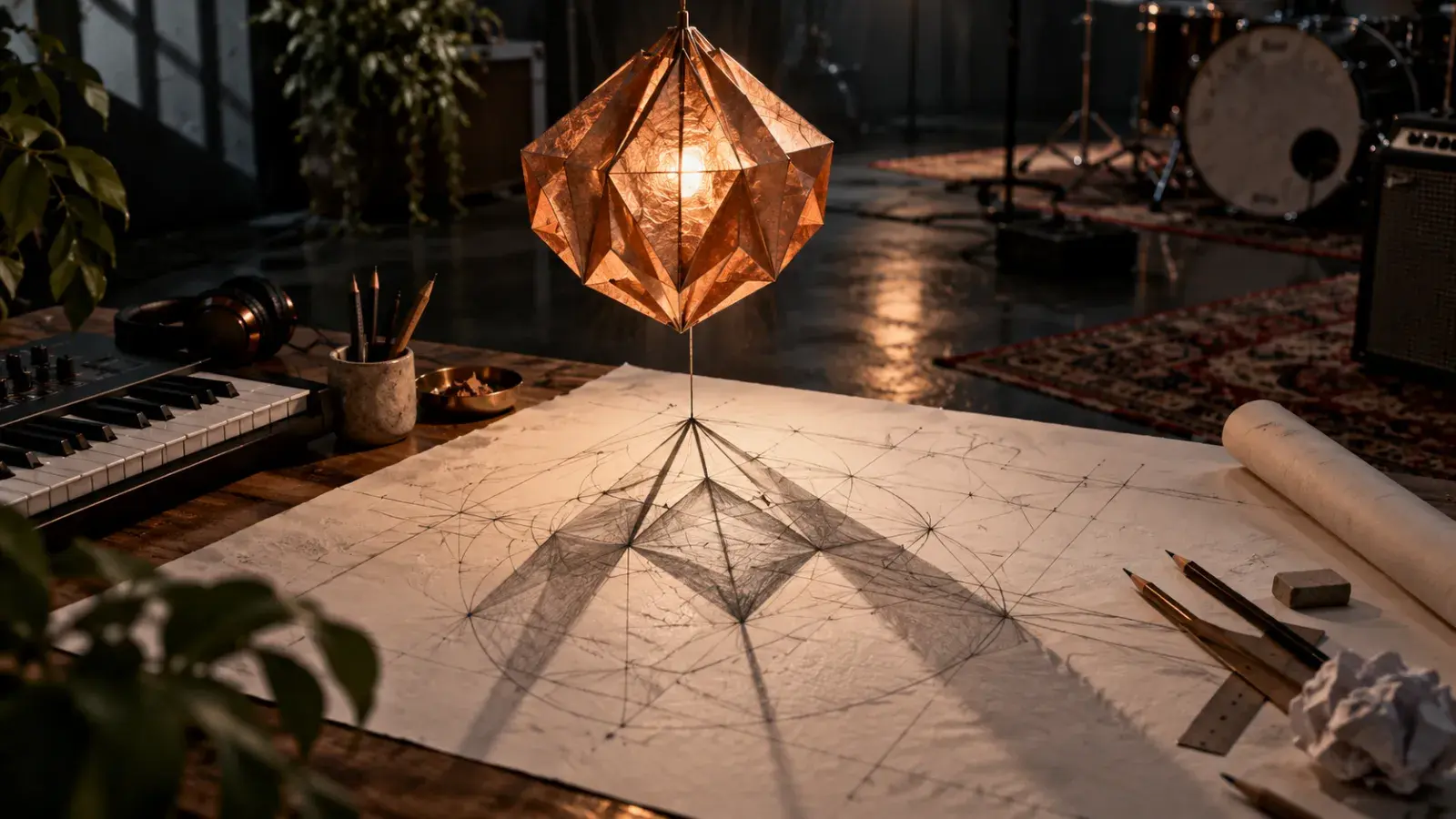
“Make it feel like the song” gives a designer almost nothing to work with. A useful music-video brief names the job, the visual idea, and the decision the next person needs to make. Write that page before requesting a concept clip; otherwise, two people can like the same preview for entirely different reasons.
Disclosure: This guide is published by MusicMaker and includes our own tool.
This guide and its original illustrations were prepared with AI assistance. The Paper Lantern release below is a fictional planning example, not a client project or a report of a generator test.
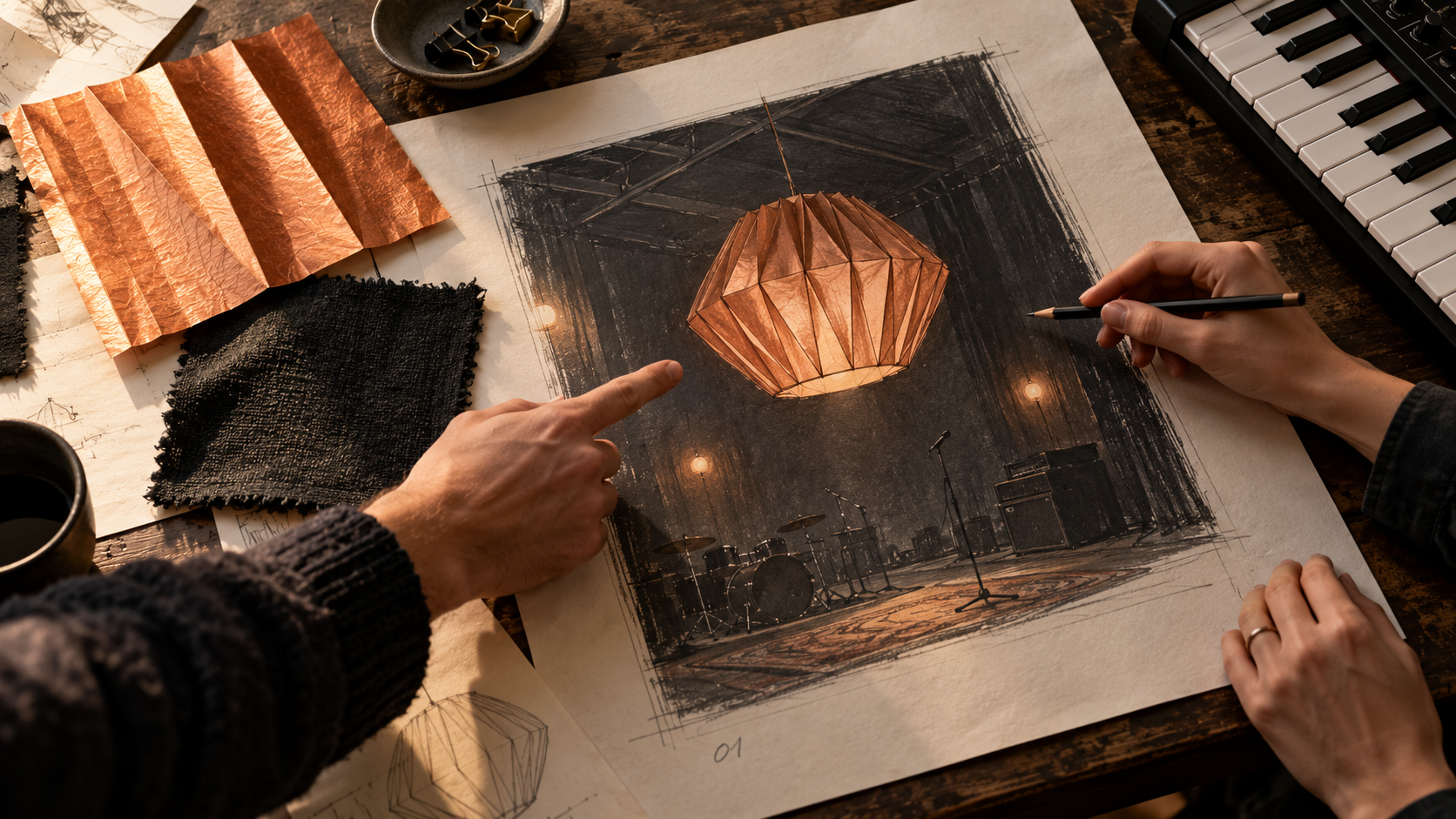
Agree on the lantern, palette, and use of the shot before discussing how polished it looks.
Start with the final use, then define the smaller draft
Write where the finished visual will appear and what viewers should learn from it. “A vertical announcement that tells existing listeners a new single is coming” is a usable job. “A viral cinematic music video” leaves both the deliverable and the success condition unclear.
For the fictional Paper Lantern release, the eventual edit is a 12-second vertical song announcement. The proposed visual is one copper-colored folded paper lantern in a dark rehearsal room. The first draft has a much smaller job: show whether a slow lantern turn communicates the quiet mood the collaborators want.
Keep those two durations on separate lines. A five-second concept is not the promised 12-second edit. The editor still needs to decide whether to use the clip, combine it with other material, or keep a still image. The final delivery dimensions and quality should be agreed separately; a small concept preview does not settle them.
Separate requirements, exclusions, and creative freedom
Three short lists make feedback more useful than a paragraph of adjectives:
Must appear | Must not appear | Open to interpretation |
|---|---|---|
One copper paper lantern; charcoal room; room for later release text | Identifiable people, third-party logos, generated lettering | Light direction, lantern height, small camera adjustment |
These are instructions for the collaboration, not guarantees that a generator will obey every item. If the preview includes something from the exclusion list, the collaborators can immediately identify why it is unsuitable.
Be careful with “anything you think works.” Give freedom around a defined choice: “You can change the light direction while keeping the lantern as the focal object.” That tells the designer what can change without accidentally reopening the whole concept.
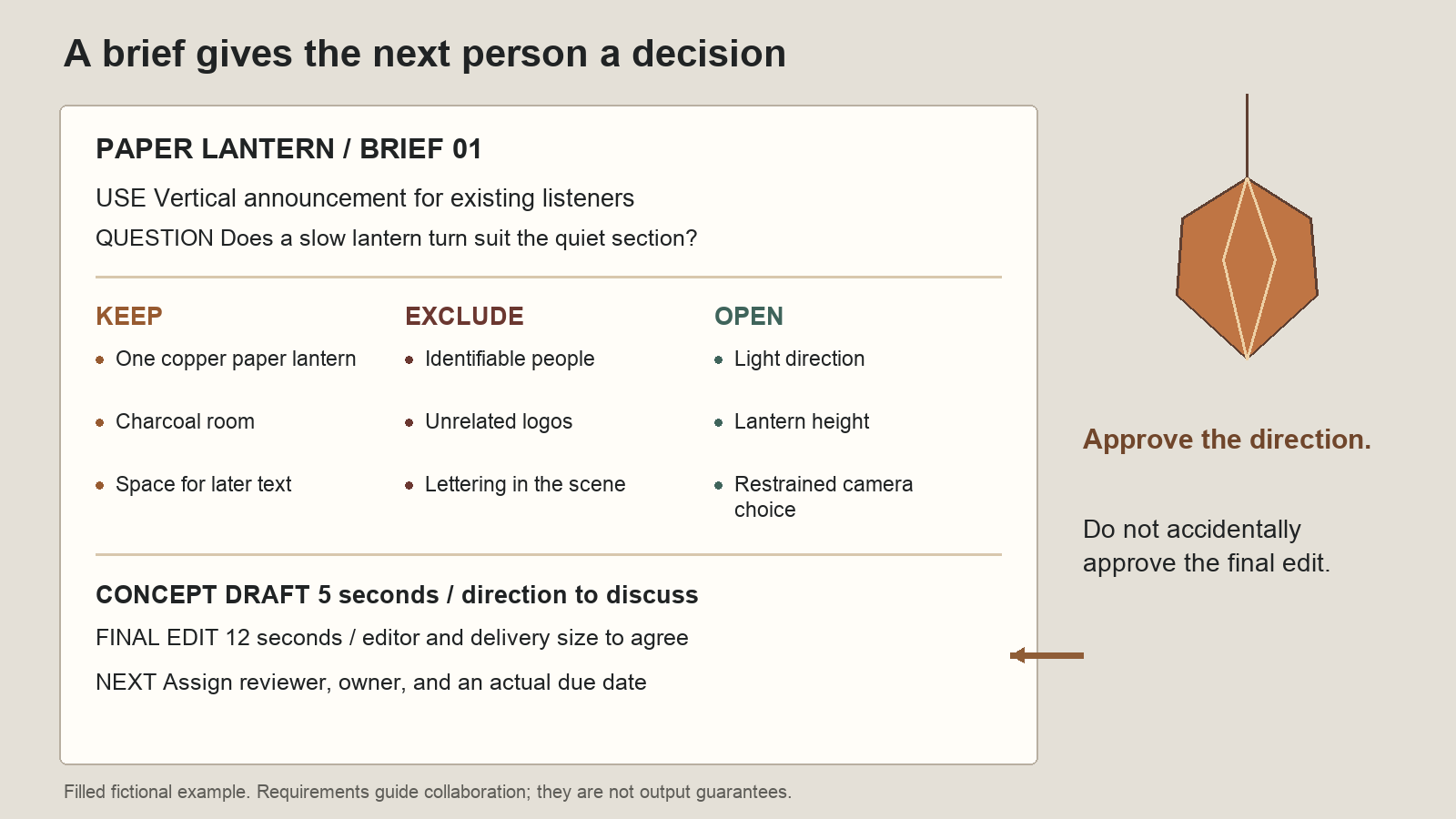
The example brief gives collaborators something specific to approve or change; it does not describe a tested output.
Copy this one-page visual brief
Replace the example entries rather than adding a longer mood essay.
PROJECT / VERSION: Paper Lantern announcement / brief 01
USE: Vertical post for existing listeners; announce the single
FINAL EDIT: 12 seconds; delivery dimensions to agree with editor
DRAFT QUESTION: Does a slow lantern turn suit the quiet section?

SUBJECT: One copper folded-paper lantern in a dark rehearsal room
KEEP: Lantern as focal object; copper and charcoal palette
EXCLUDE: People, unrelated logos, lettering inside generated scene
OPEN: Light direction, lantern height, restrained camera choice

MUSIC: Sender supplies the original song and approved excerpt
TEXT: Sender supplies exact release wording; editor adds text layer
CONCEPT: One short visual draft, original prompt, and source images
FINAL DELIVERY: Named editor assembles, checks, and exports the edit

REVIEWER / DUE: Assign a person and an actual date before sending
APPROVE NOW: Subject, palette, and motion direction
NOT APPROVED YET: Final image quality, music timing, or finished post
The last two lines keep a visual conversation from turning into accidental approval of the whole release. A collaborator might approve the copper-and-charcoal direction while still rejecting a particular take.
Use a concept clip to answer the brief's question
If a static sketch is enough to agree on composition, send the sketch. Generate motion when motion is the unresolved choice.
For that step, the MusicMaker free short music video generator offers a page-described free workflow without signup. The current page describes five-second, 480p clips from a prompt or a pair of opening and closing images, one request at a time, followed by preview and download. Its MiniMax H3 badge identifies the model claimed by the page; it does not establish how faithfully a particular draft will follow the brief.
A starting prompt for this fictional brief is:
One copper folded-paper lantern turns slowly in a dark rehearsal room. Soft side light reveals the paper folds. The camera remains still.
Use the preview to discuss the slow turn, the light, and the focal object. Download a take before relying on it as a handoff file. If you use the image-based workflow, prepare both required endpoint images; do not assume one sketch alone completes it.
Label the file and message “concept draft,” and include the prompt. Avoid “approved video” or “final” until the person responsible for the release has actually made that decision.
Hand off the song, visuals, and words as separate jobs
Send the original song file and the exact excerpt separately from the visual. State who is responsible for checking permission to use each supplied image and audio file. Give the editor the release wording as text they can copy, rather than asking the generator to draw it into the scene.
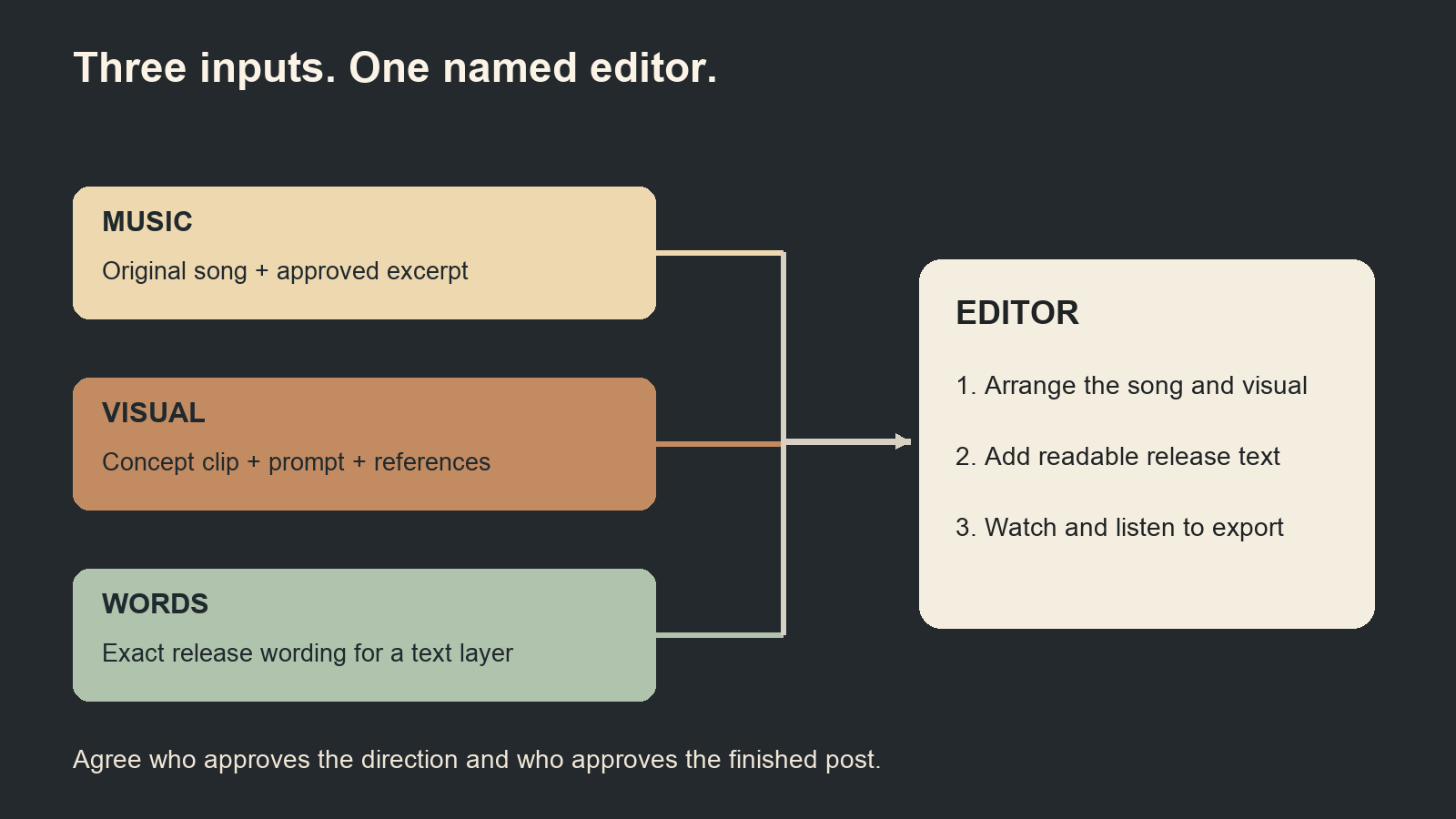
A concept clip answers a visual question. The song, text, and final export still need named owners.
Before the collaborator starts the final edit, ask:
What are you approving? Is it the lantern idea, this specific take, or the finished edit?
What needs another decision? Name the unresolved item, such as the crop or the amount of movement.
What do you need from me? Identify missing song files, wording, references, or delivery instructions.
Who makes the next version, and when? Replace “soon” with an owner and a date both people accept.
The finished handoff is a page, a clearly labelled draft, and a short decision. That remains useful even if the collaborators choose a still image or a different production method after reviewing it.


Join the conversation
Discussion0
Join the conversation. Sign in to leave a response or reply to comments.