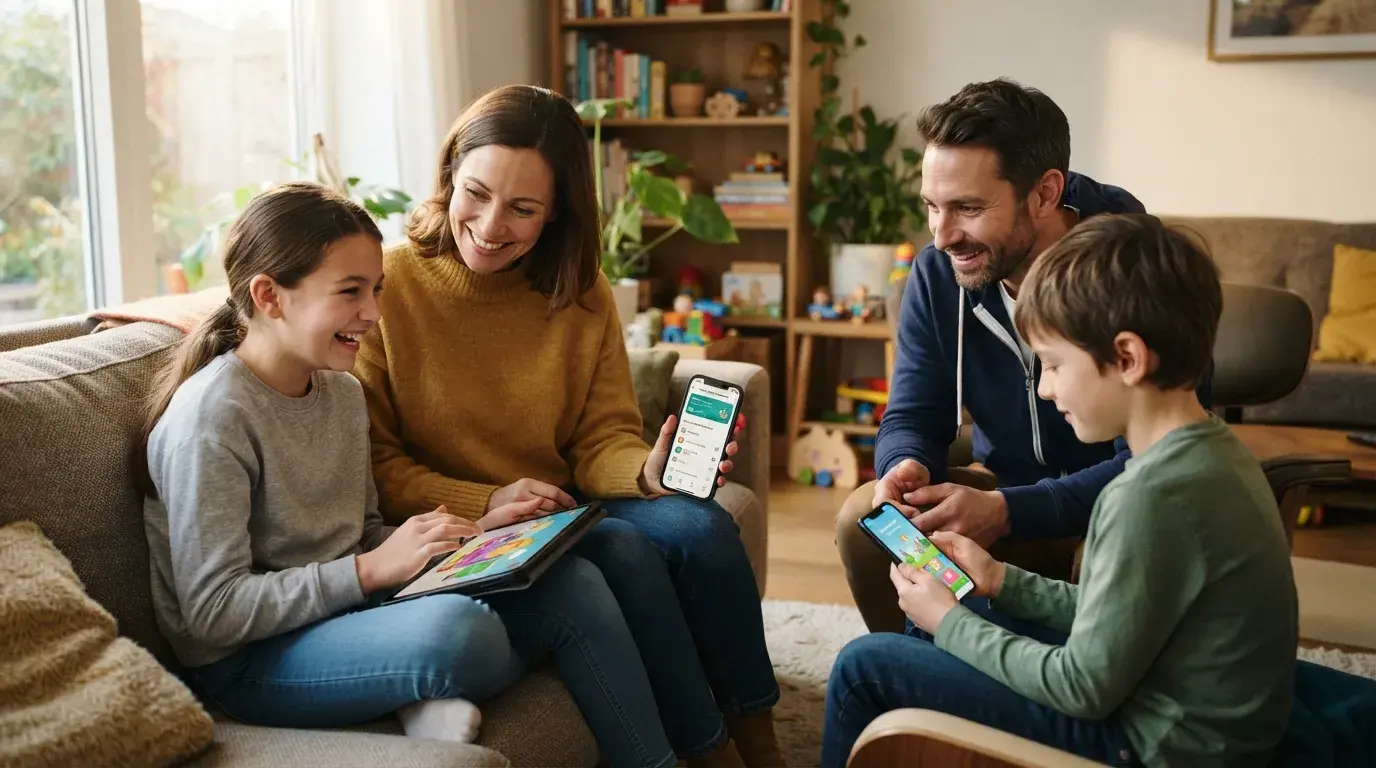
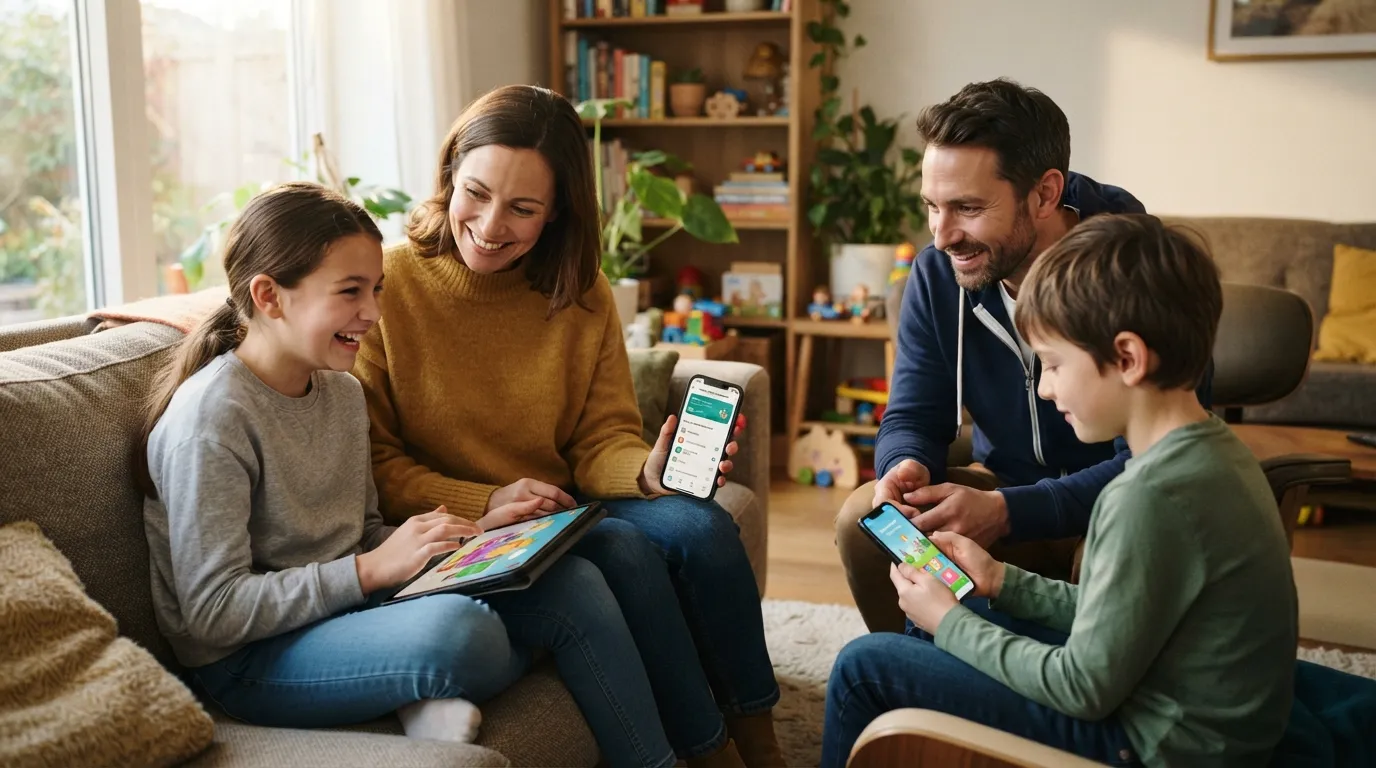
Smartphones, tablets, and computers are part of everyday family life. Children use them for schoolwork, entertainment, communication, and exploring new interests. Although technology creates many learning opportunities, spending too much time online can affect sleep, concentration, physical activity, and family relationships.
Parents do not need to remove technology from their children's lives to create a healthier balance. A better approach is to set reasonable limits, encourage offline activities, and help children understand how to use digital devices responsibly.
Parental control apps can support these efforts by offering tools such as screen-time schedules, website filtering, app management, and activity alerts. Here are five options families can explore.
1. TheOneSpy
TheOneSpy offers device-monitoring and parental-control features for families who want to understand how a managed device is being used. Depending on the device, operating system, permissions, and selected plan, its tools may include app activity, location information, browsing records, and communication details.
Parents can explore its parental monitoring features to understand the available options and device requirements. As with any monitoring solution, families should discuss its use openly and only manage devices they own or are authorized to supervise.
2. FonSee
FonSee is a phone-monitoring solution with features that can help parents review certain device activities. Depending on the installation method and device compatibility, available information may include location, browsing activity, and supported communication records.
Parents considering this option should review its device compatibility information. Not every feature works in the same way across Android and iOS, and some functions may require additional setup or permissions.
3. OgyMogy
OgyMogy provides monitoring tools for supported phones and computers. Its advertised features include location tracking, social media activity, screen recording, and website-related controls.
The available tools can vary according to the device, operating system, and plan. Parents can review the OgyMogy parental control options and check the technical requirements before deciding whether they suit their family's needs.
4. Bark
Bark focuses on helping parents identify potential online safety concerns. Its features include alerts for certain concerning content, screen-time management, website filtering, and location tools.
Rather than requiring parents to read every conversation, Bark is designed to highlight activity that may need attention. Its coverage depends on the device and platform, so parents should check which features are available before choosing a plan.
5. Google Family Link
Google Family Link is an option for families looking for basic digital supervision. Parents can use it to manage certain aspects of a child's Google account, review app activity, set screen-time limits, and manage app approvals on supported devices.
It can be useful for creating everyday routines without relying on extensive monitoring. Its features are particularly relevant to families whose children use Android devices and Google services.
How to Choose the Right App for Your Family
The most suitable app depends on a child's age, the devices they use, and the family's main concerns. Before installing anything, consider these points:
Screen-time management: Look for tools that help establish reasonable limits around school, sleep, and recreation.
Device compatibility: Confirm that the app supports the exact phone, tablet, or computer being used.
Privacy settings: Understand what information is collected, how it is stored, and who can access it.
Ease of use: Choose controls that parents can manage without creating unnecessary complications.
Cost and limitations: Compare subscription fees, available features, and renewal conditions.
It is also important to explain any parental controls to children. Clear expectations can reduce misunderstandings and help them learn why certain boundaries exist.
Final Thoughts
Healthy technology habits develop through guidance, consistency, and communication. Parental control apps can help families manage screen time and understand certain online activities, but they cannot replace conversations or good judgment.
TheOneSpy, Bark, FonSee, OgyMogy, and Google Family Link offer different approaches to digital supervision. Parents should compare their features carefully and choose tools that match their children's devices and family rules.
Ultimately, the goal is not to monitor every moment. It is to help children enjoy technology while making room for education, rest, relationships, and offline experiences.



Join the conversation
Discussion0
Join the conversation. Sign in to leave a response or reply to comments.