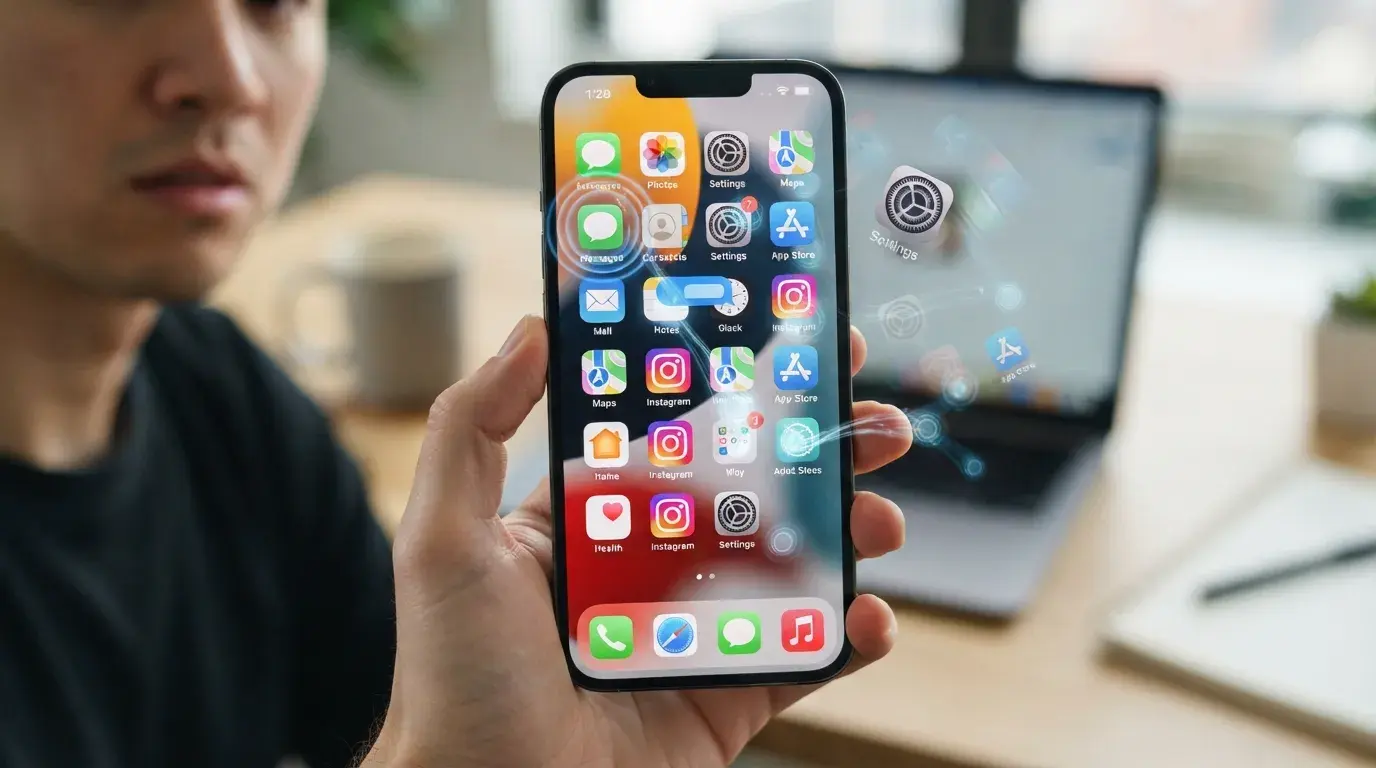
Have you ever noticed your iPhone opening applications, tapping buttons, or switching screens without you touching it? This frustrating behavior is sometimes called ghost touch. It can result from touchscreen damage, software glitches, overheating, or faulty accessories. If the problem continues, professional iPhone Repair Brooklyn assistance may help identify the cause. Whether you need touchscreen troubleshooting or iPhone screen repair Brooklyn, understanding why your device behaves unexpectedly is the first step toward finding a solution.
Table of Contents
Common Reasons Your iPhone Opens Apps on Its Own
How to Fix Unexpected Touch Problems
When Should You Seek Professional Repair?
Tips to Prevent Ghost Touch Issues
Frequently Asked Questions
Conclusion and Call to Action
1. Common Reasons Your iPhone Opens Apps on Its Own
Several factors can cause an iPhone to respond to touches that you never made.
Damaged Touchscreen
A cracked display or damaged digitizer can cause inaccurate touch responses. Even if the screen still looks usable, internal damage may trigger random taps, open applications, or activate unwanted controls.
Software Glitches
Temporary iOS bugs or application errors can sometimes cause unusual screen behavior. An application may freeze, respond incorrectly, or repeatedly open.
Low-Quality Screen Protectors
A poorly fitted, damaged, or unsuitable screen protector may interfere with touchscreen sensitivity. Dirt, trapped air, or moisture around its edges can also affect touch response.
Faulty Charging Accessories
Some damaged or low-quality charging cables and adapters can contribute to unusual touchscreen behavior while the iPhone is charging. Testing with a reliable, compatible charger can help identify this possibility.
Overheating
Excessive heat can affect device performance and may contribute to temporary glitches. If your iPhone becomes unusually hot, allow it to cool in a safe environment.
Previous Screen Replacement Issues
An improperly installed replacement display or a faulty component may cause touch sensitivity problems. If ghost touches started after a screen repair, the installation and display components may need inspection.
2. How to Fix Unexpected Touch Problems
Try these troubleshooting steps before arranging a repair.
Clean the Screen
Use a soft, slightly damp, lint-free cloth to clean the display. Dry it properly and make sure your fingers are clean before testing the touchscreen.
Remove the Screen Protector
If the screen protector is cracked, damaged, or incorrectly fitted, remove it carefully and check whether the problem improves.
Disconnect Charging Accessories
Unplug your iPhone and test the touchscreen without the charger connected. If the issue stops, try a different reliable cable and power adapter.
Restart Your iPhone
Restarting your device may clear temporary software glitches that affect touchscreen behavior.
Update iOS and Applications
Check Settings → General → Software Update for available iOS updates. Also update applications through the App Store to reduce compatibility problems.
Check for Overheating
If your iPhone feels unusually hot, stop demanding activities and let it cool naturally. Avoid placing it in a refrigerator or using other rapid cooling methods.
3. When Should You Seek Professional Repair?
If your iPhone continues opening applications or registering random touches, professional inspection may be necessary.
Look for repair assistance if:
Ghost touches happen repeatedly.
Your screen has cracks or visible damage.
Touch problems began after a drop.
Parts of the display respond without being touched.
The issue started after a screen replacement.
Your iPhone becomes difficult to control or use safely.
A technician can inspect the display, digitizer, internal connections, and other relevant components to determine whether repair or screen replacement is needed.
4. Tips to Prevent Ghost Touch Issues
You can reduce the risk of touchscreen problems by following these habits:
Use a protective case and suitable screen protector.
Avoid dropping or placing heavy objects on your iPhone.
Keep the display clean and dry.
Use reliable charging accessories.
Avoid exposing your phone to excessive heat.
Keep iOS updated.
Get physical screen damage inspected promptly.
These precautions can help protect your touchscreen and maintain reliable device performance.
5. Frequently Asked Questions
What is ghost touch on an iPhone?
Ghost touch occurs when the touchscreen registers taps or gestures that you did not make. It may cause applications to open or screens to change unexpectedly.
Can a cracked screen cause apps to open automatically?
Yes. Damage to the display or digitizer can cause inaccurate touch responses, including random taps.
Can a software update fix ghost touch?
It may help if the problem is caused by a software glitch. However, software updates cannot repair physically damaged touchscreen components.
Why does my iPhone behave strangely while charging?
A faulty cable, adapter, or electrical issue may contribute to touchscreen interference. Test with a reliable charger and avoid damaged accessories.
Does ghost touch mean I need a new iPhone?
Not necessarily. Depending on the cause, the issue may be resolved through troubleshooting, component repair, or screen replacement.
6. Conclusion and Call to Action
An iPhone that keeps opening applications on its own may be experiencing ghost touch caused by touchscreen damage, software glitches, faulty accessories, overheating, or previous repair issues. Cleaning the display, disconnecting charging accessories, restarting the device, and updating iOS are useful first steps. If the behavior continues, professional diagnosis can help identify the underlying problem.
For dependable iPhone Repair Brooklyn assistance, Avenue D Cellular can help you explore solutions for common iPhone problems. Whether you need touchscreen troubleshooting or iPhone screen repair Brooklyn, choosing the right repair solution is important. Visit iPhone Repair Brooklyn at Avenue D Cellular to discuss your device issues and get professional repair assistance.
Join the conversation
Discussion0
Join the conversation. Sign in to leave a response or reply to comments.