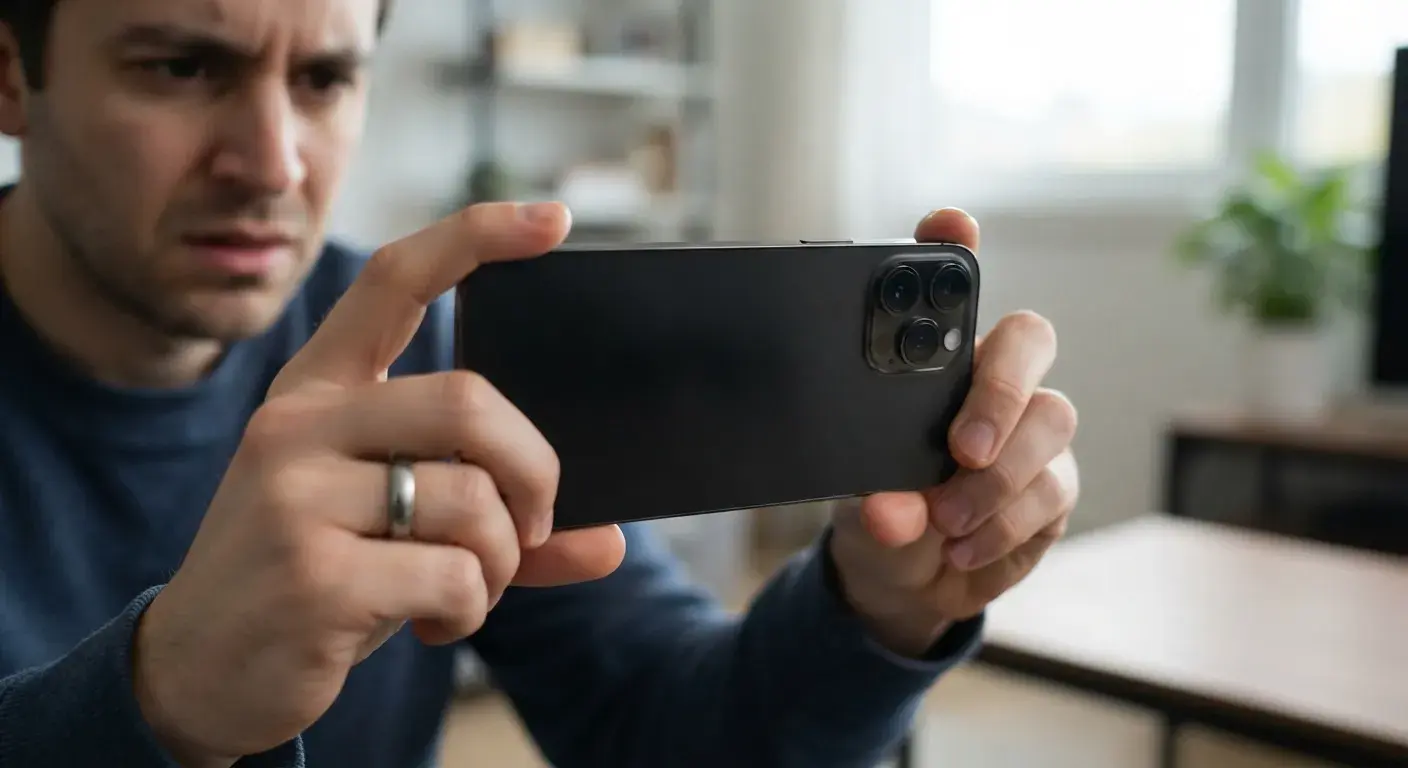
An iPhone camera that suddenly displays a black screen can prevent you from taking photos, recording videos, or joining video calls. This problem may occur when opening the Camera app or switching between the front and rear cameras. Common causes include software glitches, camera app issues, outdated iOS software, or damaged camera components. Nanotech Mobile helps customers explore smartphone troubleshooting and repair options in Regina. If basic solutions do not work, customers searching for the best iPhone repair in Regina or reliable iPhone repair Regina services may benefit from professional inspection.
Table of Contents
Common Reasons Your iPhone Camera Shows a Black Screen
How to Fix an iPhone Camera Black Screen
When Should You Consider Professional Repair?
Frequently Asked Questions
Conclusion and Call to Action
1. Common Reasons Your iPhone Camera Shows a Black Screen
Understanding the possible cause can help you find the right solution.
Temporary Software Glitches
Sometimes, iOS may experience temporary errors that prevent the Camera app from loading correctly. Restarting the device may resolve these issues.
Camera App Problems
The Camera app may become unresponsive because of temporary bugs or background processes, resulting in a black display.
Outdated iOS Software
Older software versions may contain bugs that affect camera performance and compatibility with certain applications.
Physical Camera Damage
If your iPhone has been dropped or experienced an impact, the camera module or its internal connections may be damaged.
Front or Rear Camera Failure
If only one camera displays a black screen, the problem may involve that particular camera module or its related components.
Liquid Exposure
Moisture entering your device can affect internal camera components and cause display or functionality problems.
2. How to Fix an iPhone Camera Black Screen
Try these simple troubleshooting methods before arranging a repair.
Close and Reopen the Camera App
Swipe away the Camera app to close it completely. Open it again and check whether the camera preview appears normally.
Switch Between Front and Rear Cameras
Tap the camera-switch icon to test both cameras. If one works while the other remains black, this may help identify which camera is affected.
Restart Your iPhone
Restarting your device can clear temporary software glitches. After restarting, open the Camera app and test it again.
Check Camera Access in Other Apps
Open another trusted application that uses the camera, such as FaceTime. If the camera works elsewhere, the issue may be related to the original app.
Update iOS
Navigate to Settings → General → Software Update and check for available updates. Installing a compatible update may resolve software-related camera problems.
Remove Accessories Blocking the Camera
Remove your phone case or camera lens protector temporarily if it covers or interferes with the camera area. Check whether the problem improves.
3. When Should You Consider Professional Repair?
If the camera continues showing a black screen after troubleshooting, professional inspection may be necessary.
Consider getting your iPhone checked if:
Both cameras remain black across different applications.
Only the front or rear camera consistently fails.
The problem started after dropping your phone.
Your camera stopped working following liquid exposure.
The Camera app repeatedly freezes or crashes.
Restarting and updating iOS do not solve the issue.
A technician can inspect the camera module, internal connections, and related components to identify the actual problem.
For customers exploring iPhone repair Regina services, Nanotech Mobile is a local option to contact for smartphone troubleshooting and repair assistance.
4. Frequently Asked Questions
Why does my iPhone camera suddenly turn black?
Possible reasons include software glitches, Camera app problems, outdated iOS software, or physical camera damage.
Why does my front camera work but my rear camera shows a black screen?
The issue may involve the rear camera module or its internal connections. Professional diagnosis can help identify the cause.
Can restarting my iPhone fix a black camera screen?
Yes. Restarting may resolve temporary software problems that prevent the Camera app from loading correctly.
Can a damaged camera lens cause a black screen?
A cracked lens can affect image quality, but a completely black preview may indicate a deeper camera or software issue.
How much does iPhone camera repair cost?
The cost depends on your iPhone model and the component causing the problem. Contact a repair provider for an assessment and estimate.
5. Conclusion and Call to Action
An iPhone camera displaying a black screen can result from temporary software glitches, app problems, outdated iOS software, or internal hardware damage. Closing and reopening the Camera app, restarting your device, testing both cameras, and installing software updates may resolve common issues.
If the problem continues, professional diagnosis can help determine whether the camera module or another internal component needs attention. Nanotech Mobile offers a local option for customers seeking smartphone troubleshooting and repair assistance. Whether you are searching for the best iPhone repair in Regina or dependable iPhone repair Regina services, contact Nanotech Mobile to discuss your camera problem and available repair options.
Is your iPhone camera showing a black screen? Contact Nanotech Mobile today to ask about professional inspection and repair assistance in Regina!

Join the conversation
Discussion0
Join the conversation. Sign in to leave a response or reply to comments.