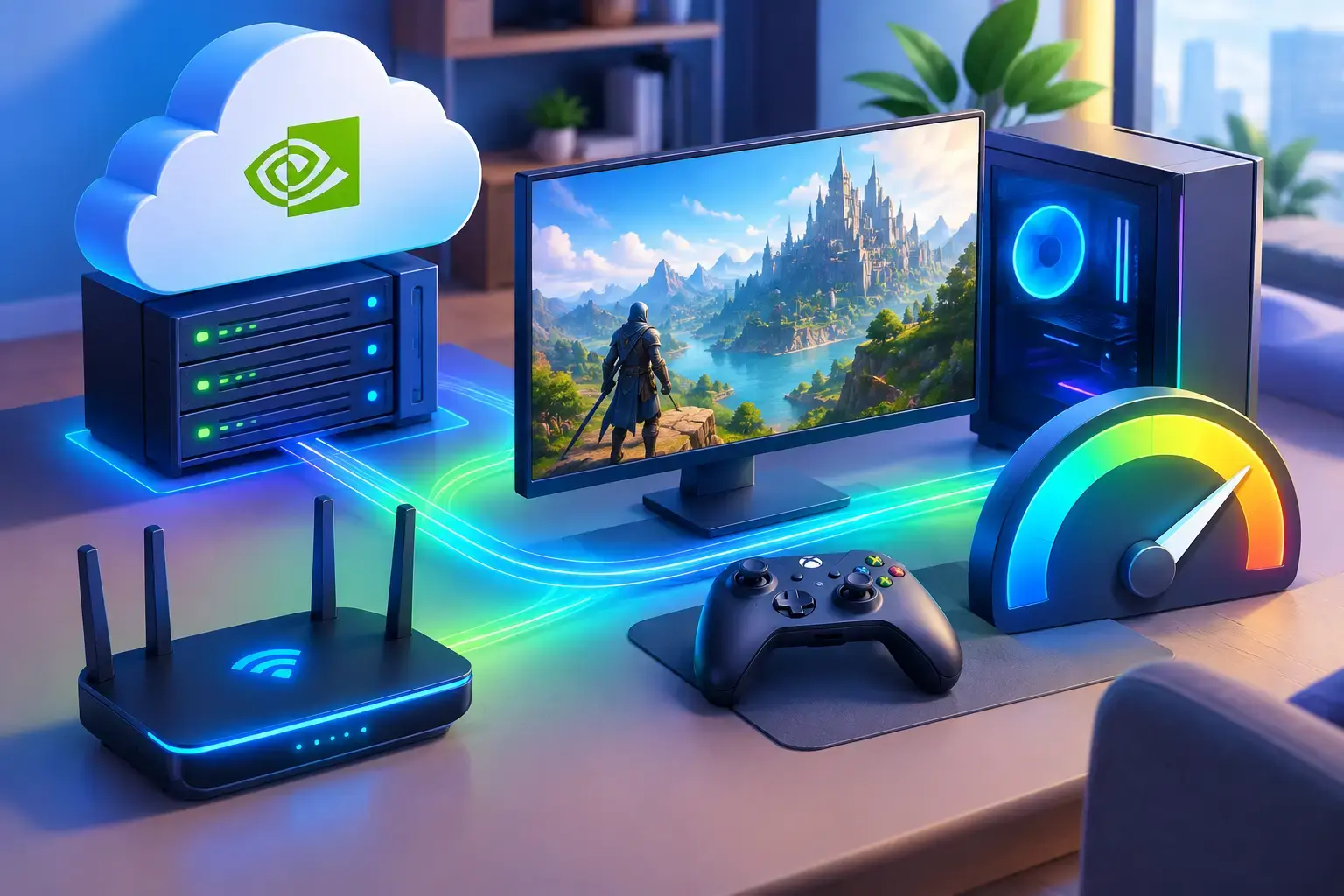
A cloud computing desktop gives users access to powerful remote computer hardware without purchasing or maintaining a physical machine. With cloud-based gaming PCs, gamers can run demanding cloud based gaming pc using remote GPU resources and stream gameplay to their existing devices. SensePC makes this approach accessible through flexible Windows 11 cloud computing.
1. What Is a Cloud Computing Desktop?
A cloud computing desktop is a virtual computer hosted on remote infrastructure. Users can access its operating system, applications, storage, and processing resources through an internet connection. It provides a flexible alternative to traditional desktop hardware for gaming, productivity, and professional workloads.
2. How Does a Cloud-Based Gaming PC Work?
A cloud-based gaming PC runs games on remote computing hardware equipped with GPU and CPU resources. The computer processes graphics and gameplay while streaming the output to your local device. You control the experience using your keyboard, mouse, or compatible controller.
3. Cloud Computer Gaming Without Expensive Hardware
Cloud computer gaming allows you to access demanding games without purchasing an expensive gaming desktop. Instead of upgrading your local GPU, you can rent a remote computer with suitable hardware. Your internet connection and server latency play important roles in determining gaming performance.
4. Benefits of Using a Cloud Gaming Desktop
A cloud gaming desktop offers several advantages:
Access powerful remote computing resources.
Avoid large upfront hardware investments.
Play compatible PC games on laptops and Macs.
Access a Windows desktop remotely.
Use familiar platforms such as Steam and Epic Games.
Choose flexible computing time based on your requirements.
5. Experience Cloud-Based Gaming with SensePC
SensePC provides Windows 11 cloud computers powered by NVIDIA L4 GPU technology. You can connect from compatible devices, access your remote desktop, and use supported gaming applications. Its pay-as-you-go approach lets you pay for computing time rather than committing to a traditional monthly gaming PC subscription.
6. Cloud Computing Desktop vs Traditional Gaming PC
Traditional gaming computers require physical hardware, maintenance, and occasional upgrades. A cloud computing desktop shifts hardware management to remote infrastructure. This makes it useful for people who want flexible access to computing power without building their own gaming setup.
7. Who Needs a Cloud Computer for Gaming?
Cloud computer gaming can benefit:
Gamers using entry-level laptops.
Mac users who need access to Windows gaming.
Players who do not want to purchase expensive GPUs.
Students and professionals who need flexible computing.
Users who want temporary access to powerful PC hardware.
Frequently Asked Questions
1. What is a cloud-based gaming PC?
A cloud-based gaming PC is a remote computer that runs games using cloud-hosted CPU and GPU resources while streaming gameplay to your device.
2. Can I use a cloud computing desktop for gaming?
Yes. A cloud desktop with suitable GPU performance can run compatible PC games and gaming applications.
3. What is cloud computer gaming?
Cloud computer gaming allows users to play PC games on remote hardware instead of relying entirely on their local computer.
4. Can I access a cloud gaming PC from a Mac?
Yes. Compatible remote desktop services allow Mac users to connect to Windows cloud computers and access supported games.
5. Do cloud-based gaming PCs support Steam?
Many Windows cloud PCs support Steam installation, provided the service configuration and usage policies allow it.
6. Is a cloud gaming desktop better than a physical PC?
It depends on your requirements. Cloud desktops offer flexible access without hardware ownership, while physical PCs provide local performance without internet dependency.
7. Does cloud computer gaming require fast internet?
Yes. A stable connection with low latency is important for responsive controls and smooth gameplay.
8. Can I rent a cloud-based gaming PC by the hour?
Some providers offer hourly or pay-as-you-go access. SensePC provides flexible computing access without requiring a traditional monthly gaming subscription.
9. Can I use a cloud computing desktop for work?
Yes. Depending on its configuration, a cloud desktop can support productivity applications, development tools, multitasking, and other professional workloads.
10. Why choose SensePC for cloud computer gaming?
SensePC combines Windows 11 cloud computing, NVIDIA L4 GPU technology, remote desktop access, cloud computing desktop and flexible pay-as-you-go usage for compatible gaming and computing workloads.
Join the conversation
Discussion0
Join the conversation. Sign in to leave a response or reply to comments.