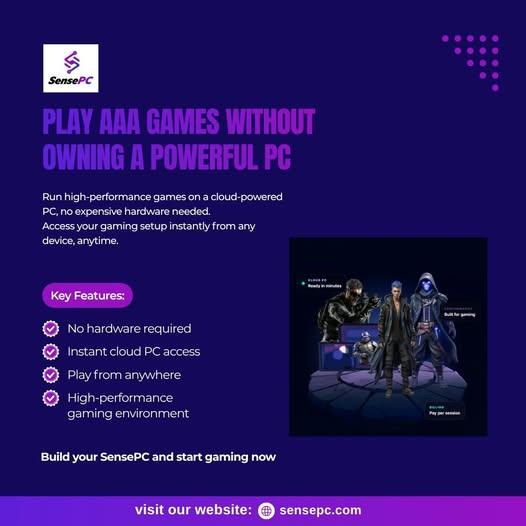
Yes, cloud gaming works on PCs, laptops, and other supported devices. With cloud computing technology, cloud computing remote desktop you can play compatible PC games using remote hardware instead of relying entirely on your computer's local processor and graphics card. A cloud PC takes this experience further by providing access to a complete remote desktop environment.
SensePC combines cloud-based desktop virtualization with GPU-powered computing, giving users access to remote Windows computers for gaming, productivity, development, and other demanding applications.
How Does Cloud Gaming Work on PC?
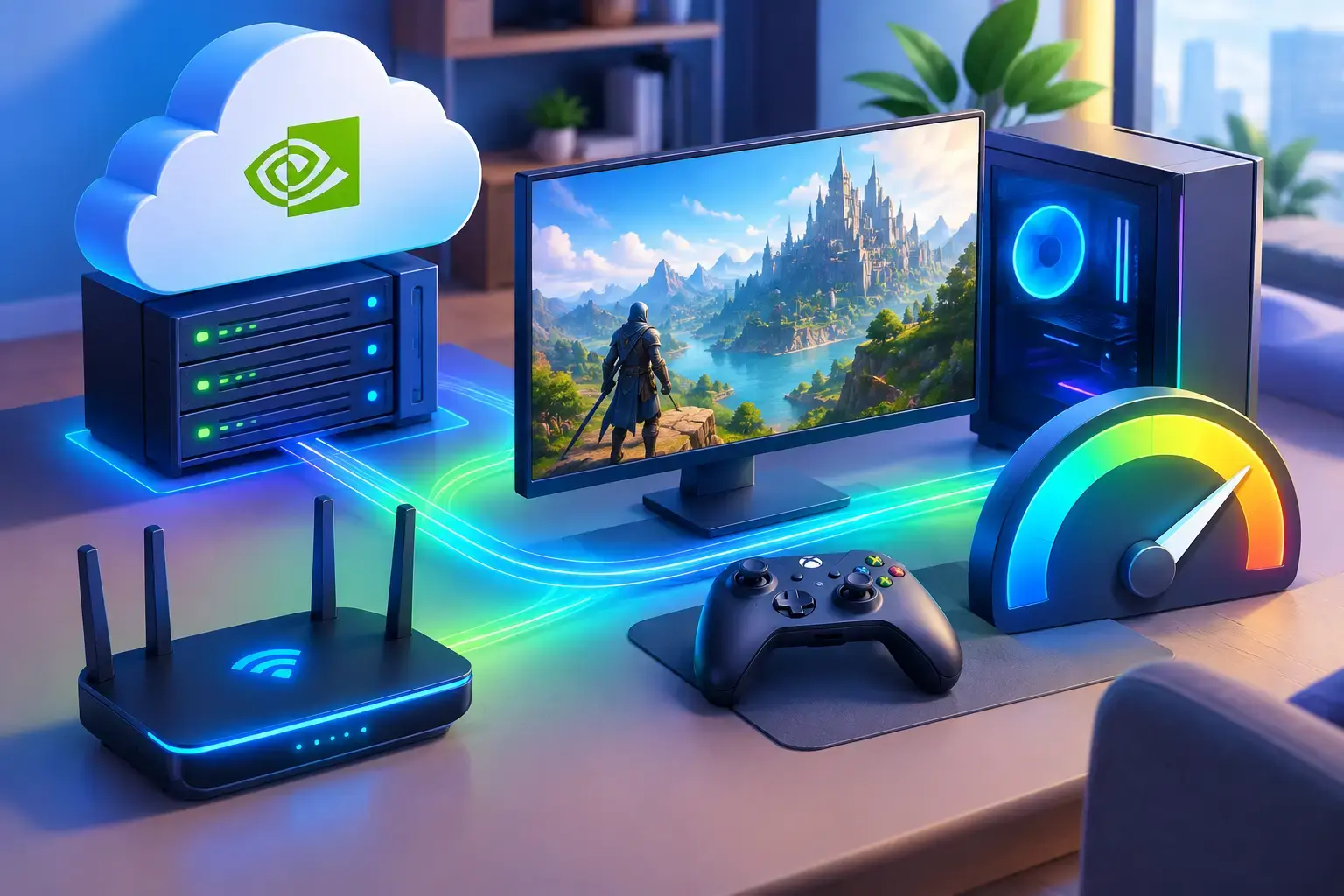
Cloud gaming uses remote servers to run compatible games and stream their output to your computer over the internet. The remote machine processes the game, renders its graphics, and sends a video stream to your screen.
The process is simple:
Choose a cloud gaming service or cloud PC provider.
Connect through a supported browser or remote desktop application.
Sign in to your gaming account or open your game launcher.
Launch a compatible game on the remote computer.
Play while the cloud server handles the processing.
Your local PC does not need the same high-end graphics hardware as a traditional gaming computer. However, a stable internet connection with low latency is important for responsive gameplay.
What Is Cloud-Based Desktop Virtualization?
Cloud-based desktop virtualization allows users to access a computer desktop hosted on remote infrastructure. Instead of running the entire desktop environment locally, the operating system and applications operate on a cloud computer.
A virtual desktop can provide:
Remote Windows desktop access.
Configurable CPU and RAM resources.
GPU-powered computing options.
Persistent storage for supported files and applications.
Access to compatible software and gaming launchers.
Remote connectivity from supported devices.
This technology is useful for individuals and businesses that need flexible computing resources without purchasing and maintaining physical desktop hardware.
Cloud PC vs. Traditional Desktop Computer
A cloud PC and a traditional desktop can perform similar tasks, but they differ in how computing resources are accessed.
Feature | Traditional PC | Cloud PC |
|---|---|---|
Hardware | Physical computer | Remote cloud infrastructure |
GPU | Locally installed | Provider-managed |
Desktop access | Direct local access | Internet-based remote access |
Maintenance | User-managed | Provider-managed infrastructure |
Storage | Local drives | Cloud storage |
Accessibility | Depends on physical device | Supported remote devices |
Cost model | Hardware purchase | Rental or usage-based billing |
A cloud PC can be a practical alternative when you need remote computing power without making a large upfront hardware investment.
SensePC: Cloud-Based Desktop Virtualization for Gaming
SensePC provides configurable cloud desktops with Windows environments and GPU-powered gaming configurations. Its Xtreme configurations use NVIDIA L4 graphics with 24 GB of GPU memory, offering remote resources for compatible PC games and other graphics-intensive applications.
Key features include:
Windows 11 Cloud Desktop: Access a remote Windows environment through supported browsers and native clients.
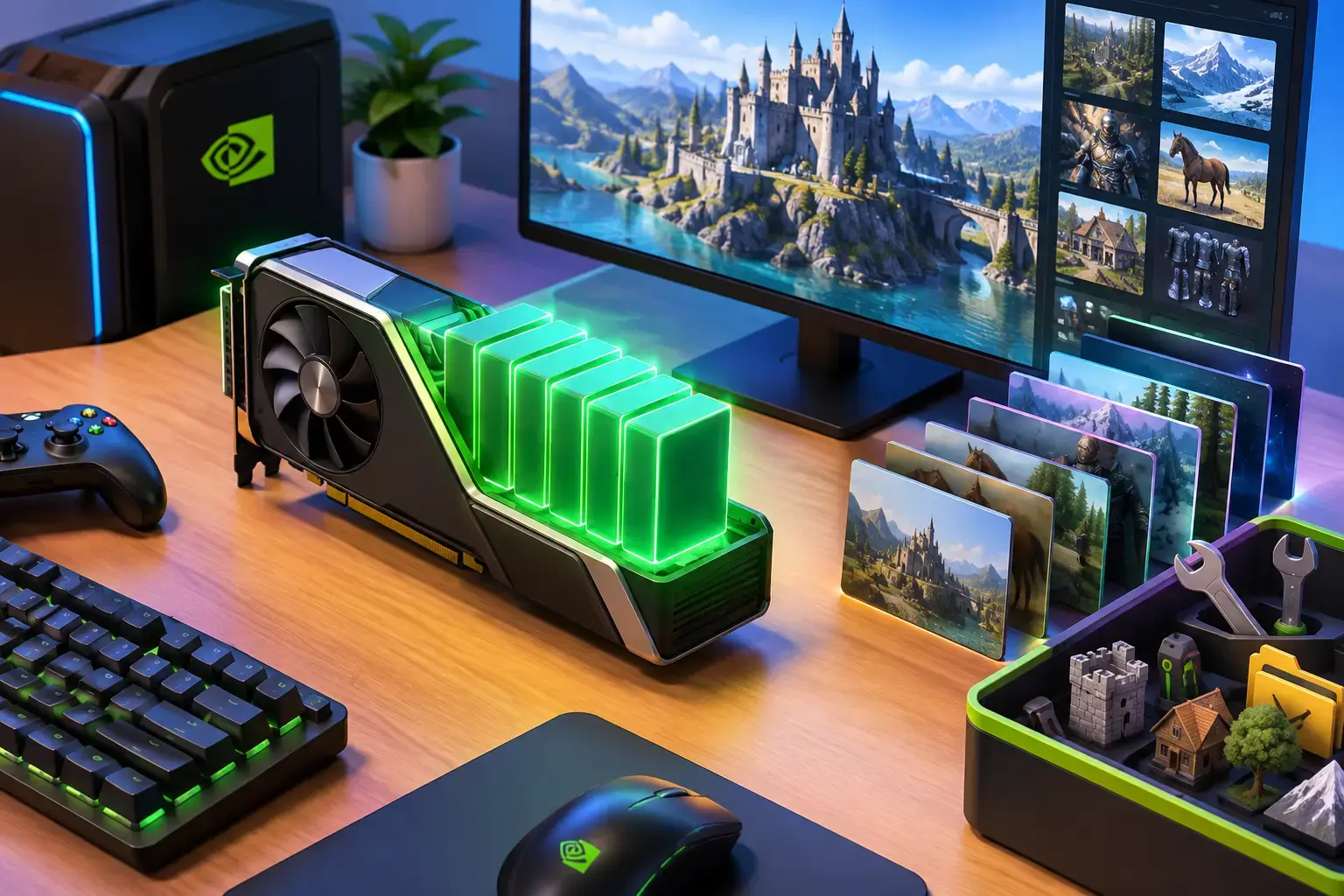
NVIDIA L4 Graphics: Use GPU-powered computing resources for compatible games and applications.
Steam and Epic Games: Xtreme configurations come ready with these gaming launchers. Sign in using your own accounts and install compatible games you own.
Persistent SSD Storage: Keep supported games, applications, settings, and files between sessions.
Remote Desktop Access: Connect from supported Windows and macOS computers.
Performance Mode: Use the native Amazon DCV client on supported devices for a performance-focused remote session.
Cloud PC for Gaming, Work, and Productivity
SensePC is not limited to gaming. Its cloud desktop configurations can support different computing requirements depending on the selected hardware.
Gaming: Run compatible PC games using remote GPU resources.
Remote Work: Access supported Windows productivity applications.
Development: Use compatible programming tools and development environments.
Creative Applications: Work with supported graphics and editing software.
Personal Computing: Access a remote desktop for everyday computing activities.
This flexibility makes a cloud PC useful for people who want one remote computing environment for multiple tasks.
Flexible Cloud PC Rental Options
SensePC offers different billing options to suit varying usage requirements:
Hourly: Suitable for occasional sessions and variable workloads.
Daily: Includes up to 10 hours of usage per day.
Monthly: Includes up to 180 hours of usage per billing cycle.
Compute billing follows the selected plan and usage. Persistent SSD storage is charged separately and continues to incur costs when the cloud PC is stopped. Windows 11 licensing requirements may also apply.
Why Choose SensePC?
SensePC combines cloud-based desktop virtualization, remote Windows access, NVIDIA L4 graphics, persistent SSD storage, and flexible billing in one platform.
Whether you want to play compatible PC games, access a virtual desktop, or use remote computing resources for productivity and development, SensePC provides a flexible alternative to purchasing a high-performance physical computer.
Explore SensePC does cloud gaming work on pc and access a powerful cloud desktop built around your computing needs.
Join the conversation
Discussion0
Join the conversation. Sign in to leave a response or reply to comments.