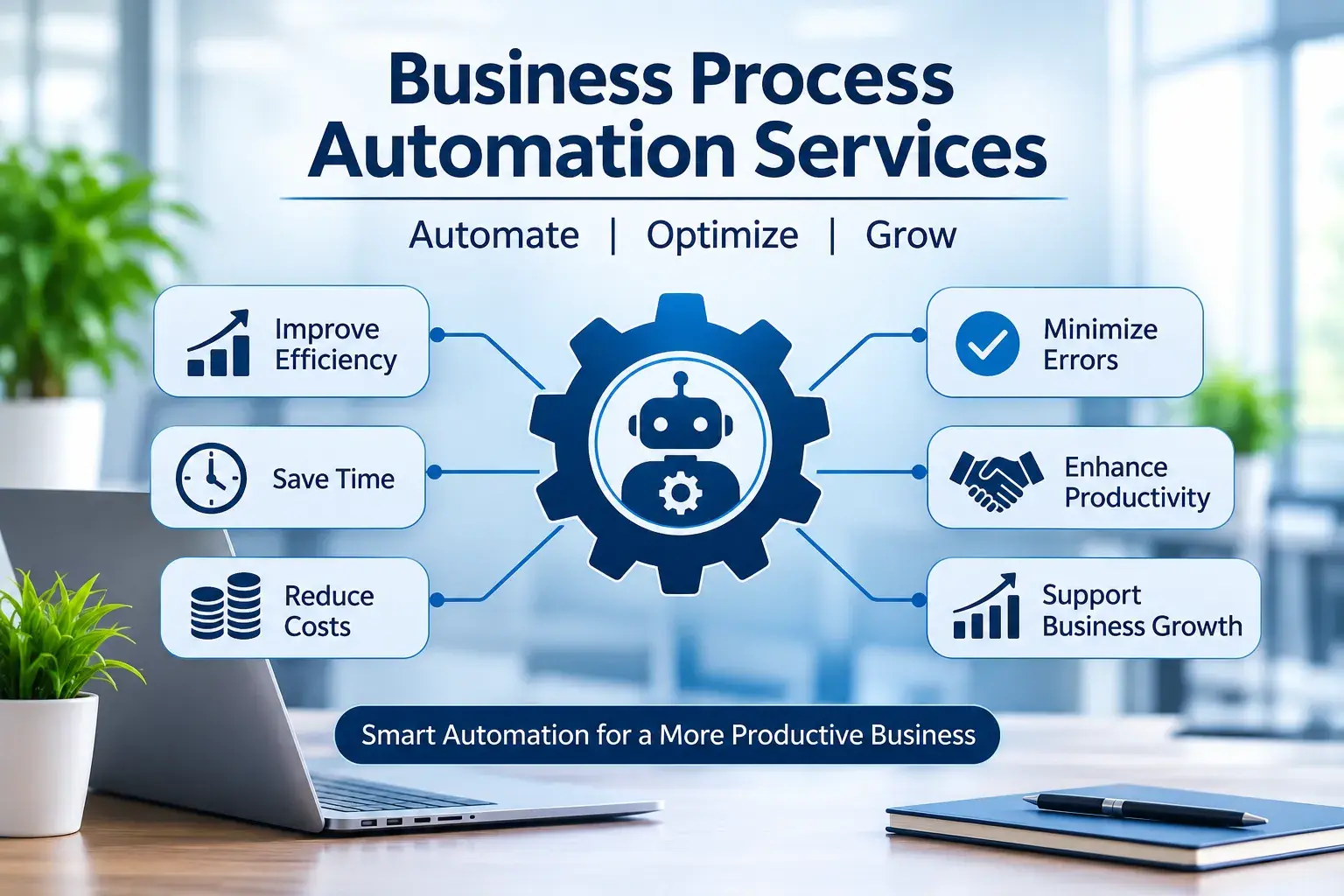
Every business wants to save time, reduce operating costs, and complete daily tasks more efficiently. However, as a company grows, managing routine activities becomes increasingly difficult. Employees often spend hours handling repetitive tasks, updating spreadsheets, processing documents, managing customer information, and coordinating between different departments.
This is where Business Process Automation Services can make a real difference. They help companies automate repetitive workflows, connect different business applications, and manage routine operations with less manual effort. From handling customer inquiries to processing invoices and managing employee records, automation can improve the way businesses work.
In this guide, we will explain how to choose the right automation partner, what factors to consider, which features matter most, and how Vision Infotech can help your company improve its daily business operations.
1. Understand Your Business Requirements Before Choosing Automation Services
The first step is understanding what your company actually needs. Many businesses consider automation because they want to improve productivity, but they do not always identify the specific problems they want to solve.
For example, consider the following questions:
Which tasks consume the most employee time?
Are employees regularly entering the same information into multiple systems?
Do customer inquiries take too long to reach the right department?
Are invoice approvals and payment processes handled manually?
Does your company struggle to maintain accurate business records?
Are different departments using disconnected software?
The answers will help you identify where automation can provide the greatest value.
Identify Your Main Operational Challenges
Different departments face different challenges.
For example:
Sales Department: Employees may spend too much time updating customer information, assigning leads, and preparing follow-up emails.
Finance Department: Invoice processing, payment tracking, expense approvals, and financial reporting may require significant manual effort.
Customer Support: Support teams may struggle to organize customer requests, assign tickets, and maintain response times.
Human Resources: Employee onboarding, attendance records, document collection, and approval workflows can create unnecessary administrative work.
Once you understand these challenges, you can look for Business Process Automation Services that address your actual operational needs rather than paying for unnecessary features.
2. Choose a Service Provider That Understands Your Industry
Industry experience is another important factor when selecting an automation partner.
A manufacturing company, healthcare organization, real estate business, and software development company do not follow the same operational processes. Each industry has different requirements, responsibilities, and workflow challenges.
An experienced provider should understand how your industry operates and recommend automation solutions that match your business environment.
Why Industry Knowledge Matters
Consider a real estate company that receives inquiries through its website, email, and social media platforms.
Without an organized system, employees may need to collect customer details manually, assign inquiries to sales representatives, and remember follow-up dates.
An automation solution can organize incoming leads, assign them to the appropriate team members, send notifications, and track communication history.
Similarly, a manufacturing company may need to automate purchase requests, inventory updates, production approvals, and supplier communication.
The requirements are completely different, which is why industry understanding matters.
Questions to Ask Potential Providers
Before selecting a service provider, ask:
Have you worked with businesses in our industry?
Can you understand our existing workflows?
Have you handled similar automation requirements?
Can your solution support our current software?
Will you customize the workflow according to our needs?
A provider that takes time to understand your business is more likely to recommend a practical solution.
3. Evaluate the Provider's Automation Experience and Technical Expertise
Automation involves more than connecting applications or creating simple workflows. It requires an understanding of business processes, software systems, data management, integrations, and workflow logic.
Therefore, you should evaluate the technical experience of the service provider before making a decision.
Look for a team that can work with different business applications and develop workflows based on your operational requirements.
Check Their Technical Capabilities
Depending on your business needs, the provider may need experience with:
CRM and ERP systems
Workflow management platforms
Cloud-based business applications
API integrations
Document management systems
Data synchronization
Automated notifications and approvals
Reporting and analytics
AI-powered workflow automation
For example, if your company uses separate applications for sales, accounting, and customer support, your automation partner should understand how these systems can communicate with each other.
This can reduce duplicate data entry and help employees access accurate information.
Review Previous Projects and Case Studies
Ask the provider to share relevant project examples or case studies.
Pay attention to the business problem, the solution implemented, and the results achieved.
For instance, a case study might explain how a company reduced manual invoice processing by introducing an automated approval workflow.
However, do not judge a provider only by impressive numbers. Understand what work was completed, how the results were measured, and whether the approach could apply to your business.
4. Make Sure the Services Support Customization
Every company has its own working methods. Even businesses operating in the same industry may have different approval structures, reporting requirements, customer management processes, and internal policies.
That is why customization should be an important part of your selection process.
Some automation platforms offer ready-made workflows. These can be useful for standard activities, but they may not cover every requirement of a growing company.
Why Custom Automation Is Important
Suppose your company follows a three-level purchase approval process.
A purchase request must first be reviewed by a department manager, then approved by the finance team, and finally confirmed by senior management.
A basic workflow may support only one approval stage.
A customized solution can establish the complete approval sequence, send notifications to the right people, record approval history, and notify employees when a request is completed.
When comparing Business Process Automation Services, check whether the provider can adjust workflows according to your existing business rules.
Look for Flexible Solutions
A suitable automation partner should be able to:
Modify workflows when business requirements change.
Add or remove approval stages.
Create department-specific processes.
Integrate existing business applications.
Customize notifications and reports.
Support additional users and business operations.
This flexibility becomes especially important as your company expands.
5. Check Software Integration Capabilities
Many companies already use multiple software applications to manage their operations. These may include CRM platforms, accounting software, project management tools, communication applications, and inventory systems.
If these applications operate separately, employees may need to transfer information manually from one system to another.
This creates additional work and increases the possibility of errors.
Why Integration Matters
Consider a business that uses a CRM platform to manage customer information and accounting software to prepare invoices.
When a sales team closes a deal, the finance department may need to enter the same customer and transaction details into another application.
With proper integration, relevant information can move between connected systems automatically, reducing duplicate data entry.
Before selecting a provider, check whether it can integrate with your existing applications.
Important integration capabilities include:
API-based integrations
CRM and accounting software integration
ERP connectivity
Cloud application synchronization
Third-party application connections
Secure data transfer
Real-time or scheduled data updates
You should also ask how the provider handles integration errors, missing information, and system updates.
A good automation solution should make your existing software more useful rather than forcing you to replace every application.
6. Compare Pricing, Implementation Costs, and Long-Term Value
Budget is an important consideration when selecting an automation service provider. However, choosing the cheapest option is not always the best decision.
Different providers may offer different pricing structures depending on project complexity, integrations, customization, implementation time, and ongoing support.
Some charge a fixed project fee, while others use hourly pricing or monthly service agreements.
Understand What the Price Includes
Before signing an agreement, ask for a clear breakdown of the expected costs.
Check whether the quotation includes:
Initial business process assessment
Workflow planning and development
Software integration
Customization
Testing and implementation
Employee training
Technical support
Ongoing maintenance
You should also check whether third-party software licenses or subscription fees are charged separately.
Calculate the Potential Return on Investment
The real value of automation should be measured through improvements in business operations.
For example, imagine that five employees each spend two hours every working day handling repetitive data entry.
That represents ten employee hours per day.
If automation reduces this work significantly, employees can use the saved time for customer communication, sales activities, quality checks, and other important responsibilities.
When comparing Business Process Automation Services, consider the potential savings in employee time, reduced manual errors, faster processing, and improved operational efficiency.
The goal should be to find a solution that provides long-term business value within your available budget.
7. Prioritize Data Security and Compliance
Automation systems often handle sensitive business information, including customer records, financial documents, employee details, and internal company data.
Therefore, security should never be treated as an optional feature.
Before selecting a provider, understand how it protects your business information.
Important Security Features to Consider
Look for solutions that support:
Role-based access controls
User authentication
Data encryption
Secure API connections
Activity monitoring
Backup and recovery procedures
Access logs
Data retention policies
For businesses operating in the USA, it is also important to understand the privacy and regulatory requirements relevant to their industry and the information they process.
For example, companies handling healthcare information may have specific obligations under applicable regulations, including HIPAA where relevant.
Similarly, organizations processing personal information should understand the applicable privacy requirements.
Ask About Data Ownership
Before starting a project, clarify:
Who owns the business data?
Where will the data be stored?
Who can access the information?
How are backups managed?
What happens if the service agreement ends?
A reliable provider should explain these matters clearly and document the agreed security responsibilities.
8. Evaluate Scalability and Future Business Requirements
Your company's automation requirements may change as the business grows.
You may start with a simple customer follow-up workflow and later decide to automate sales reporting, invoice approvals, inventory updates, and customer support operations.
The solution you select today should be capable of supporting these future requirements.
Choose Automation That Can Grow With Your Business
When evaluating a provider, consider whether its solutions can support:
Additional Users: Can you add employees and departments without rebuilding the entire system?
Higher Workloads: Can the workflow handle more transactions, customer requests, and documents?
New Integrations: Can you connect additional software applications when needed?
Advanced Workflows: Can you introduce more complex approval processes and reporting requirements?
Changing Business Rules: Can existing workflows be updated when your operational needs change?
Scalability is particularly important for growing companies that want to avoid replacing their automation systems every few years.
A flexible solution can help businesses improve their operations gradually without creating unnecessary technical complications.
9. Check Customer Support, Training, and Maintenance
Automation implementation does not end when a workflow becomes operational.
Employees need to understand how to use the system, and businesses need support when workflows stop working as expected or operational requirements change.
That is why customer support should be part of your provider evaluation.
Why Ongoing Support Matters
Imagine that your company depends on an automated order management workflow.
If the integration stops working, new orders may not reach the appropriate department. This can delay order processing and affect customer satisfaction.
A reliable service provider should have a clear process for handling technical issues.
Before choosing a provider, ask:
Is technical support available after implementation?
How quickly are reported issues addressed?
Do you provide employee training?
Can workflows be updated when needed?
Is regular maintenance included?
Are support services available through an agreement?
Employee Training Should Not Be Ignored
Even a well-developed automation system may fail to deliver its expected value if employees do not understand how to use it.
Training should explain how workflows operate, how to manage exceptions, where to find information, and whom to contact when problems occur.
Proper training helps employees become comfortable with the new system and encourages better adoption across departments.
10. Start With a Small Automation Project Before Expanding
Automating every business process at once may sound attractive, but it can create unnecessary complexity.
A better approach is to begin with one or two processes that have clear requirements and measurable outcomes.
This allows your company to understand how automation works before introducing it across multiple departments.
Example of a Step-by-Step Automation Approach
Consider a company that wants to improve its overall operations.
It can begin with the following process:
Step 1: Automate Lead Management
Automatically collect website inquiries and organize customer information in the CRM.
Step 2: Introduce Automated Follow-Ups
Send notifications to sales representatives when new leads arrive and schedule follow-up activities.
Step 3: Improve Sales Reporting
Generate reports that help management understand lead status, sales performance, and pending activities.
Step 4: Expand to Other Departments
Once the initial workflows are working properly, introduce automation for invoice approvals, customer support, and internal reporting.
This gradual approach makes it easier to identify problems, collect employee feedback, and improve workflows.
It also helps management measure whether the investment is delivering the expected results.
11. Why Choose Vision Infotech for Business Process Automation?
Selecting the right automation partner is an important business decision. You need a team that understands your operational challenges and can develop solutions that support your actual working requirements.
Vision Infotech has been providing software outsourcing and technology services since 2012. The company helps businesses improve their technology infrastructure through custom software development, AI development, AI consulting, Zoho CRM customization, and AWS consulting services.
When evaluating automation requirements, businesses should look for a technology partner that understands both software capabilities and everyday business operations.
Here is why Vision Infotech is worth considering:
Business-Focused Automation Solutions
Automation should solve real operational problems rather than introduce unnecessary software complexity.
Vision Infotech focuses on understanding business requirements and identifying technology solutions that can improve daily workflows, reduce repetitive activities, and support business growth.
Custom Software Development Expertise
Not every business can achieve its goals through standard software features.
Custom software development can help companies create workflows and applications that match their specific operational requirements.
This is useful when existing platforms do not provide the flexibility needed to manage particular business processes.
Zoho CRM Customization and Business Applications
Managing customer information, sales activities, and business communication can become challenging when processes are disconnected.
Vision Infotech offers Zoho CRM customization services to help businesses organize customer-related workflows and adapt their CRM environment to their requirements.
This can support better lead management, customer tracking, and sales process organization.
AI and Technology Consulting
Businesses exploring advanced automation may need guidance on where AI-powered solutions can provide practical value.
Vision Infotech also offers AI development and AI consulting services to help organizations understand and adopt suitable technology solutions.
The focus should be on identifying useful applications that improve business operations rather than introducing technology without a clear purpose.
Scalable Technology Solutions
Business requirements change over time. Companies may need additional integrations, customized applications, or improvements to existing systems as their operations expand.
Vision Infotech provides software development and cloud consulting capabilities that can support businesses as their technology requirements evolve.
If your company is planning to improve its existing workflows, Vision Infotech can help you explore suitable software and technology solutions based on your business requirements.
12. Common Mistakes to Avoid When Selecting an Automation Provider
Even after comparing multiple providers, businesses sometimes make decisions that affect the success of their automation projects.
Here are some common mistakes worth avoiding.
Choosing Based Only on Price
A low-cost solution may not include the integrations, customization, or ongoing support your business needs.
Always compare the complete scope of services before making a decision.
Automating Inefficient Processes
Automation cannot automatically fix a poorly designed workflow.
If your existing process includes unnecessary approval stages or unclear responsibilities, review and improve it before automating it.
Ignoring Employee Requirements
Employees are the people who will use the automated workflows every day.
Involve relevant team members during planning and testing to make sure the solution supports their actual responsibilities.
Overlooking Future Requirements
A solution that works for a small team may become difficult to manage when the company expands.
Consider future users, workloads, integrations, and reporting needs before selecting a provider.
Not Defining Success Metrics
Without clear performance measurements, it becomes difficult to understand whether automation is providing value.
Define measurable goals before implementation, such as reducing processing time, lowering manual data entry, improving response times, or reducing workflow errors.
Conclusion
Choosing the right automation partner requires more than comparing software features and service prices. You need to understand your business requirements, evaluate technical expertise, check integration capabilities, prioritize data security, and consider long-term support.
Business Process Automation Services in USA can help companies build more organized and efficient operations when implemented with a clear strategy.
If your company is planning to improve its workflows, Vision Infotech can help you explore custom software development, Zoho CRM customization, AI consulting, and other technology solutions that align with your business goals.

Join the conversation
Discussion0
Join the conversation. Sign in to leave a response or reply to comments.