A photo-to-video test is easier to evaluate when the input and review steps are consistent. This short checklist is for creators trying a meme-inspired vertical clip; it does not promise a particular result.
Start with a portrait you have permission to use. Choose a clear, well-lit image with the face visible and minimal obstruction.
Keep expectations specific. A motion reference can suggest a direction, but the source photo and generation affect the result. Avoid describing a generated clip as guaranteed or identical across runs.
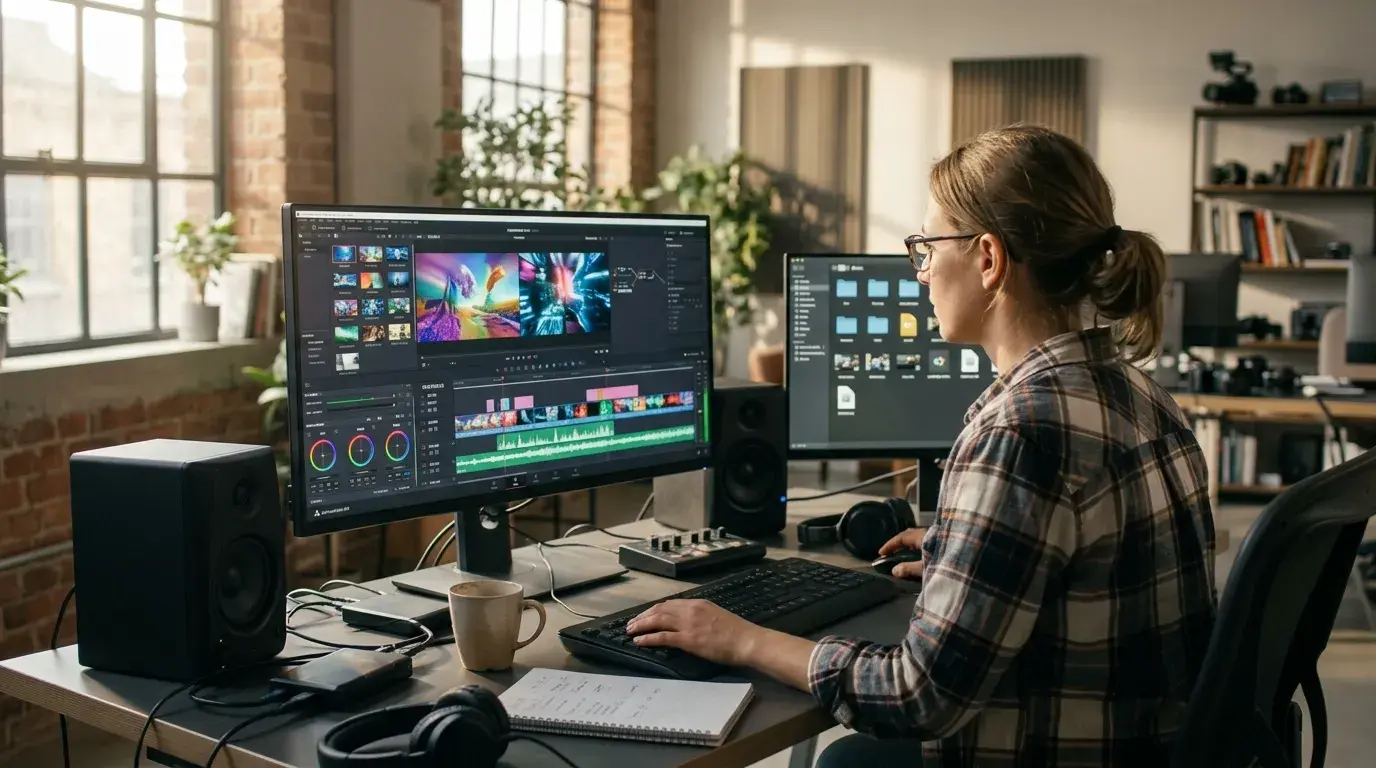
Review the exported video before sharing. Check the crop, face stability, motion, and whether the result is appropriate for its intended audience.
Talk to Me Doja AI is an independent photo-to-video meme tool. It accepts one uploaded portrait and requests a 14-second vertical video. Each generation costs 100 credits; successful outputs are MP4 files. Results vary with the photo and generation. The product is not affiliated with Doja Cat or any rights holder.
Try it: https://talktomedoja.com/
Join the conversation
Discussion0
Join the conversation. Sign in to leave a response or reply to comments.