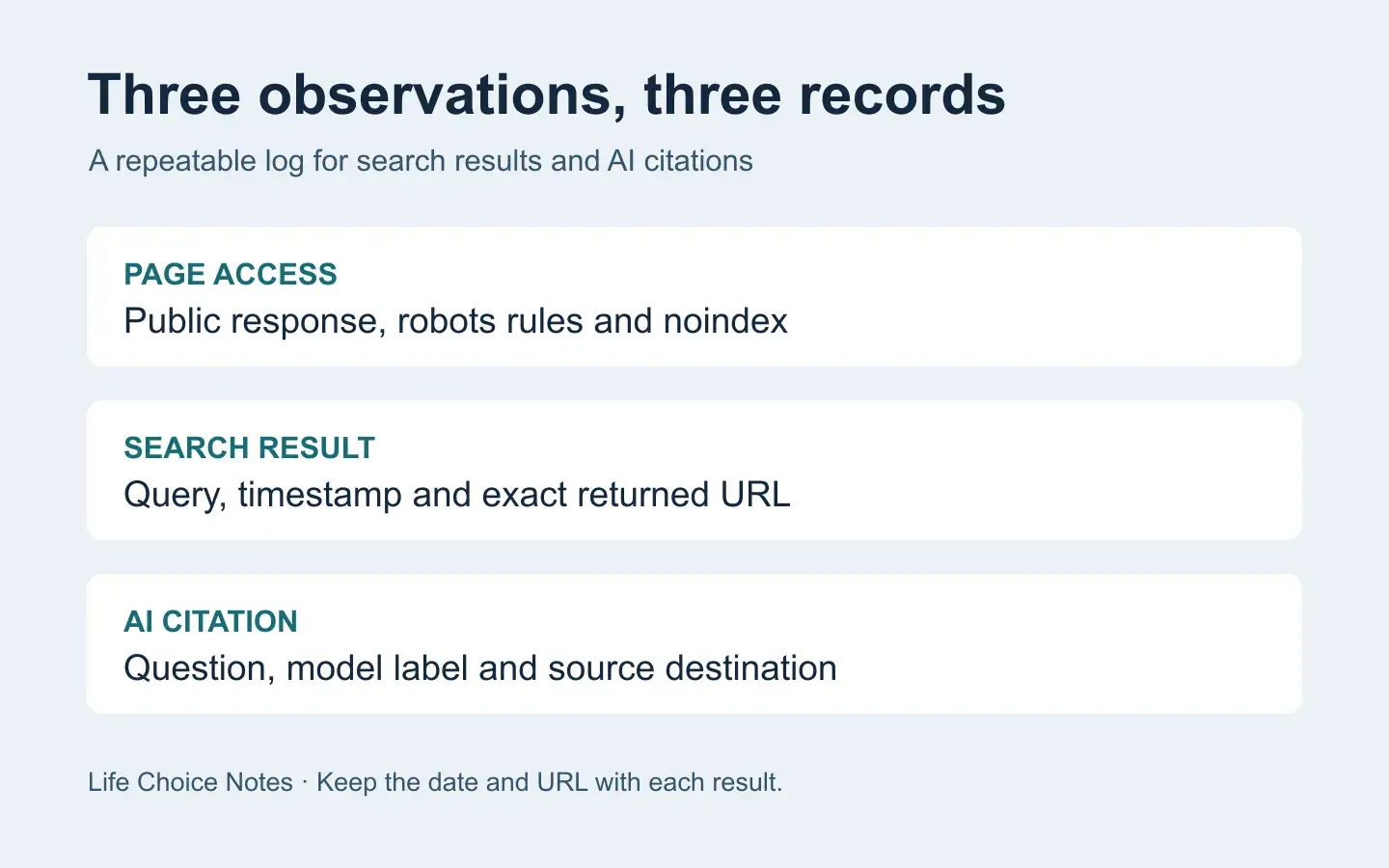
A spreadsheet with a single “visible” column cannot tell you where a page was found. Give each observation its own row with the query, time, product or search engine, answer link where available, and the exact source URL. Someone reviewing the sheet should be able to understand what happened without opening your browser history.
Start with the page you expect to find
Keep the published article URL and the brand homepage in separate fields. Follow public redirects once and record the final address. Check whether the page returns its body and whether a robots rule or a noindex directive applies. Google’s robots.txt guide explains what a crawler can fetch. Save that check separately from observations on search results.
Capture the question and the sources
Write a real customer question without including the URL you expect the assistant to cite. Record the product, model label if shown, whether web search was requested or visibly used, and the result’s timestamp. Open the answer’s source panel and record the destination URLs. For a link that opens a redirect, save the displayed destination and the final URL if the browser exposes it. A brand mention in the prose gets its own field. A clickable source pointing to the homepage and one pointing to the new article are two different observations.
Write the denominator next to the result
On November 10, 2026, our team checked 20 recently published pages through public search queries and separately reviewed the sources shown in 20 Gemini answers to customer questions. We observed zero matches for the target articles in either set. The search tool did not identify its underlying engine, so we recorded “target not returned for these queries.” For the Gemini checks, we recorded the prompts and actual source links. That gives us a baseline to compare with later observations under the same conditions.
Try a five-column starter sheet with date and time, question, service and search mode, observed source URL, and result. Keep “no answer generated,” “answer generated with no visible sources,” and “sources inspected, target absent” as separate result values. When a page first appears as a source, a saved answer link and source URL make the change reviewable.
This guide was prepared by 생활선택기록 with AI assistance, using our own tracking observations. Our related project is 브랜드맵 (Brandmap).


Join the conversation
Discussion0
Join the conversation. Sign in to leave a response or reply to comments.