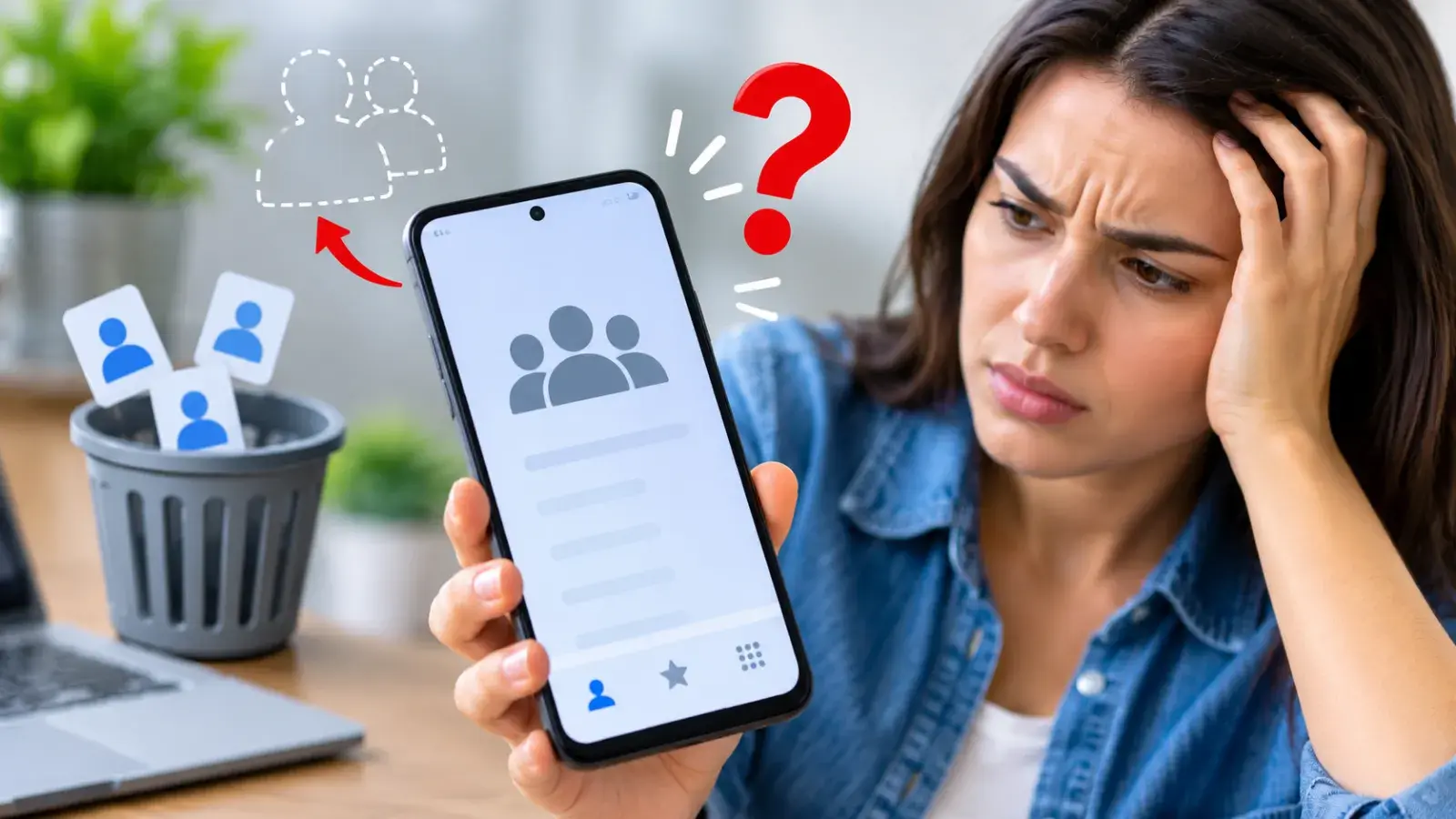
Losing saved contacts can be frustrating, especially when you need to call a customer, friend, or family member. Sometimes, contacts disappear because of synchronization problems, account settings, accidental deletion, or software issues. Fortunately, several troubleshooting steps can help you find missing numbers and prevent similar problems in the future. If you need smartphone assistance, Precision Fix is a local resource to explore. Customers searching for iPhone screen repair Albany can also visit Precision Fix to learn more about available smartphone support and repair options.
Table of Contents
Common Reasons Smartphone Contacts Disappear
How to Restore Missing Contacts
Tips to Prevent Contact Loss
Frequently Asked Questions
1. Common Reasons Smartphone Contacts Disappear
Understanding the cause of missing contacts can make troubleshooting easier.
Account Synchronization Problems
Many smartphones store contacts through cloud accounts such as Google or Apple. If synchronization is disabled, interrupted, or connected to the wrong account, some contacts may not appear.
Accidental Deletion
Contacts can disappear when users accidentally delete individual entries or remove several numbers while organizing their address book.
Incorrect Contact Display Settings
Your phone may be configured to display contacts from only one account. Numbers saved under another account or on the device itself may remain hidden.
Software Updates and Glitches
Operating system updates or temporary software errors can sometimes affect how contacts are displayed or synchronized.
Account Changes
Removing an email or cloud account from your phone can also remove the contacts associated with that account from the device's displayed contact list.
Storage or Application Problems
Contact applications may occasionally experience errors that prevent saved information from loading correctly.
2. How to Restore Missing Contacts
Try these steps before assuming your contacts are permanently lost.
Check Your Contact Display Settings
Open your Contacts application and review its display or account settings. Make sure all relevant contact lists and accounts are selected.
Verify Account Synchronization
Check your Google or Apple account settings and confirm that contact synchronization is enabled. A stable internet connection may be needed to complete synchronization.
Check Recently Deleted Contacts
Some contact services provide a recovery option for recently deleted entries. Review the available recovery or restore section and follow the service's instructions.
Sign In to the Correct Account
Make sure your smartphone is connected to the account where your contacts were originally saved. If you recently changed accounts, this may explain why certain numbers are missing.
Restart Your Smartphone
A restart can resolve temporary software problems that prevent contact information from displaying correctly.
Update Your Phone and Contacts App
Install available software and application updates. Updates may fix bugs that affect contact management and synchronization.
Restore Contacts From a Backup
If your contacts were backed up before disappearing, you may be able to restore them through your cloud account or device backup. Check the backup date carefully to avoid losing newer information.
3. Tips to Prevent Contact Loss
Taking a few precautions can help protect your address book.
Enable automatic contact synchronization.
Back up important contacts regularly.
Save contacts to a reliable cloud account.
Avoid deleting unfamiliar contact entries.
Keep your smartphone software updated.
Check synchronization settings after changing accounts.
Review backups before resetting your device.
These habits can make it easier to recover important information if something goes wrong.
4. Frequently Asked Questions
Why did all my contacts suddenly disappear?
Possible causes include disabled synchronization, an account change, incorrect display settings, or a temporary software issue.
Can I recover accidentally deleted contacts?
You may be able to restore them through a recently deleted folder, cloud recovery feature, or an earlier backup, depending on your device and account settings.
Why are some contacts missing but others still visible?
Your phone may be displaying contacts from only one account, or synchronization may be incomplete.
Will restarting my phone bring back missing contacts?
It may help if a temporary software glitch is responsible, but it will not recover permanently deleted contacts without a backup or recovery option.
Does resetting my phone delete contacts?
A factory reset can erase locally stored contacts and other data. Back up important information before resetting your device.
Call to Action
Missing contacts can interrupt everyday communication, but checking account settings, synchronization, and available backups may help you recover them. If the problem continues, professional troubleshooting can help identify the underlying issue.
For smartphone support and repair information, visit Precision Fix. Customers looking for iPhone screen repair Albany can also explore Precision Fix to learn more about available device support options.
Conclusion
Smartphone contacts can disappear because of synchronization errors, accidental deletion, account changes, incorrect display settings, or software problems. Checking your contact settings, verifying cloud accounts, and restoring an available backup can often help recover missing information. Regular backups and automatic synchronization also reduce the risk of future contact loss. For customers exploring smartphone support or iPhone screen repair Albany, Precision Fix is a local resource to consider. Visit Precision Fix to learn more about available services and repair options.

Join the conversation
Discussion0
Join the conversation. Sign in to leave a response or reply to comments.